



Kling 3.0
01
Multi-shot storyboards
One request, several shots, each with its own prompt and duration. Wide, macro, tracking: Kling cuts the scene for you.
Each Kling model makes a different trade between length, control, speed and price. Hover a model to watch an official sample; click through for its parameters and pricing.
Start from the job, not the model name. Each answer comes with the model we would pick and an official sample from it.
Up to 30 seconds in one generation at 1080p, steered by up to 10 keyframes and 15 references, with stereo sound.
Official samples from Kling AI, grouped by what they prove. Each card plays when it is in view. Turn the sound on: the audio was generated too.
One request, several shots, each with its own prompt and duration. Wide, macro, tracking: Kling cuts the scene for you.
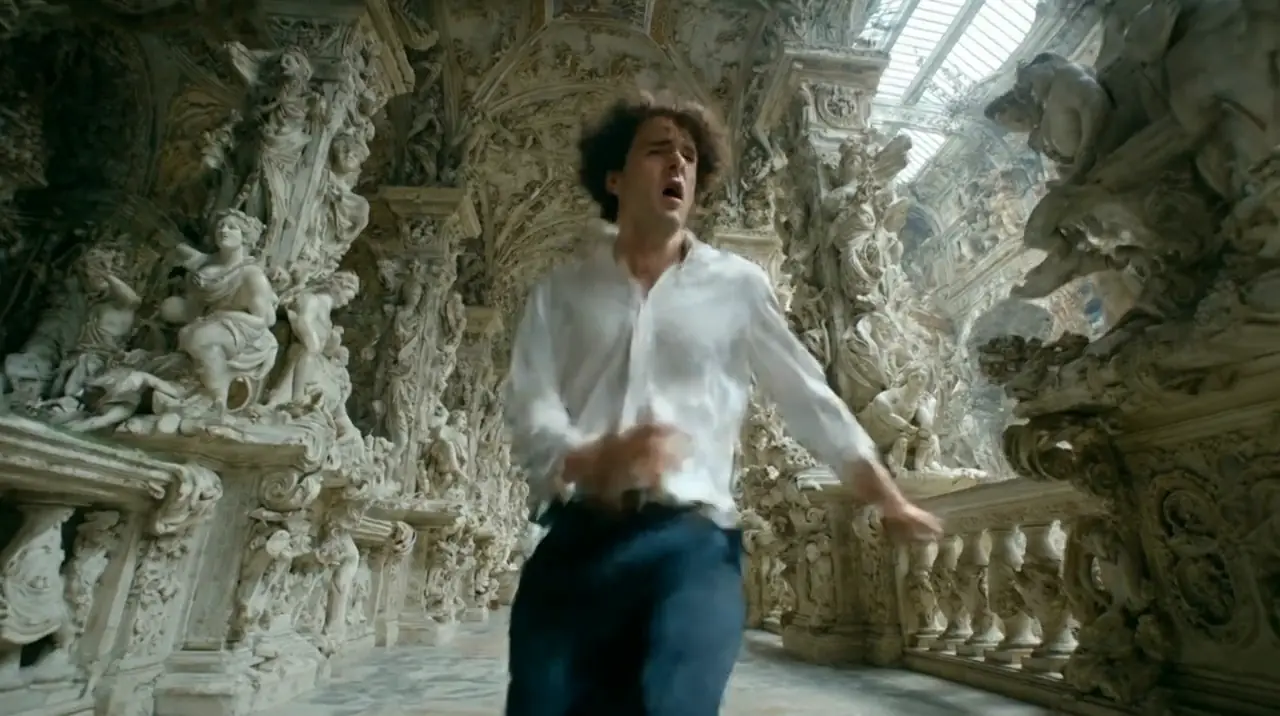
Speech, room tone and effects come out with the picture. Characters can talk to each other, even in different languages.
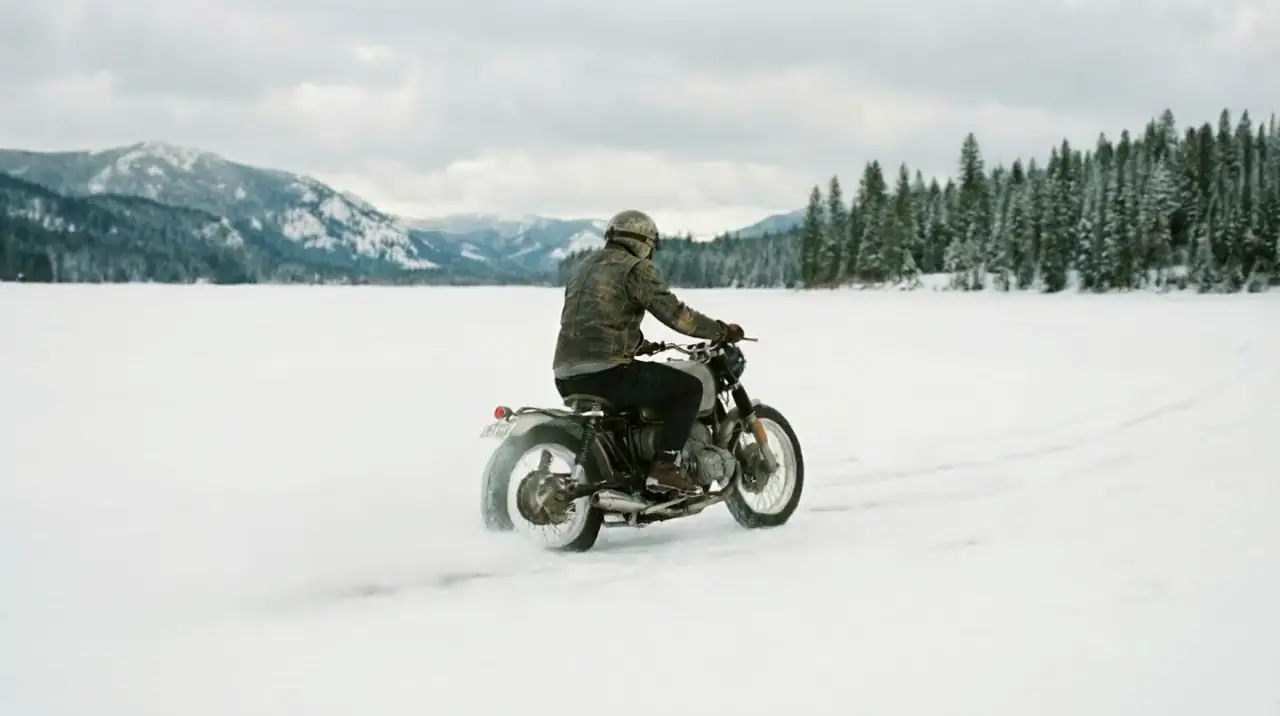
Logos and lettering stay legible while the camera and the subject move. The original was generated in 4K.
Characters defined once as elements keep their faces and wardrobe in every shot. The dog included.
A product element drives the whole spot: macro texture, liquid and light, and the lipstick stays exactly that lipstick.
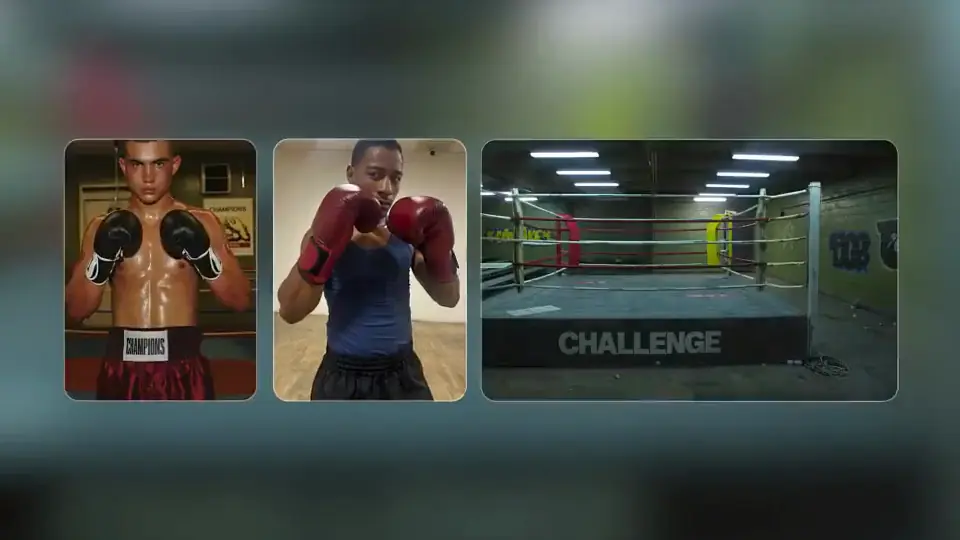
Five scripted shots of a rooftop fight. The two fighters never change between cuts.
A stylized character carries from a classroom to a storm at sea, delivering lip-synced lines.
Motion Control turns one reference video into a performance for any character image. Body movement, hand gestures and expressions transfer; your character's look stays.
Official Kling sample: a performer's hand signs, re-performed finger by finger by a robed character from a single image.
What Kling AI changed between generations. Kling 3.0 is still the right call for plenty of jobs, and it runs on APIPod today.
Source: Kling AI, “Kling 4.0 vs 3.0” (October 2026). Bar lengths are relative within each row.
Limits per request for every Kling model. Model names link to their series pages with full parameters and pricing.
| Capability | Kling 4.0 | Kling 4.0 FlashComing soon | Kling 3.0 Omni | Kling 3.0 | Kling 3.0 Turbo | Motion Control |
|---|---|---|---|---|---|---|
| Model IDs | kling-4.0-t2v / -i2v / -r2v | kling-4.0-flash | kling-3.0-omni-t2v / -i2v / -r2v / -edit | kling-3.0-t2v / -i2v | kling-3.0-turbo-t2v / -i2v | kling-3.0-motion-control / kling-2.6-motion-control |
| Duration | 3–30 s | 3–20 s | 3–15 s | 3–15 s | 3–15 s | 3–30 s |
| Resolution | 720p / 1080p | 720p | 720p / 1080p / 4K | 720p / 1080p / 4K | 720p / 1080p | 720p / 1080p |
| Inputs | Text, images, keyframes, references, video | Text, first frame, references | Text, images, references, video | Text, first and last frame | Text, first frame | Character image + motion video |
| Multi-shot | — | — | Up to 6, or automatic | Up to 5 | Up to 6 | — |
| References | Up to 15 (10 images, 5 videos, 7 elements) | Omni Reference (limits not published) | 1–7 images, or 1 video + 4 images | Up to 3 @elements | — | One motion reference video |
| Audio | Stereo, lip-synced | — | Optional | Optional | Always on | Keep original sound |
| Video editing | Coming soon on APIPod | — | 3–15.5 s source | — | — | — |
| Best for | The final take | Fast drafts | Consistent casts and products | Multi-shot scenes | Speed, with sound | Dance, action, gestures |
Kling 4.0 values are the limits APIPod enforces today (its video editing is coming soon); Kling 4.0 Flash values are Kling AI's published specifications; Kling 3.0 and Motion Control values are the limits APIPod enforces today. — = not offered or not published.
Every Kling model on APIPod sits behind the same async video endpoint. Switching models means switching one string; authentication, polling and billing stay the same.
curl https://api.apipod.ai/v1/videos/generations \
  -H "Authorization: Bearer $API_KEY" \
  -H "Content-Type: application/json" \
  -d '{
    "model": "kling-4.0-t2v",
    "prompt": "Two old friends meet at dusk on a London street",
    "duration": 30,
    "resolution": "1080p",
    "aspect_ratio": "21:9"
  }'

# {"code":200,"data":{"task_id":"<task_id>","status":"pending"}}
# then: GET /v1/videos/status/<task_id>
Pick a model above to see its request. Kling 4.0, Kling 3.0 and Motion Control fields match APIPod's live schema; Kling 4.0 Flash isn't live yet, so its request is a preview. See the docs for each model's full parameter list.
Kling AI is Kuaishou's video and image generation platform. Its video models (Kling 4.0, Kling 4.0 Flash, the Kling 3.0 family with Standard, Turbo and Omni, and Motion Control) turn text, images, reference videos and audio into video with native sound.
Kling 4.0 for the finished take (up to 30 s at 1080p), Kling 3.0 for multi-shot scenes with dialogue, Kling 3.0 Omni when characters or products must stay consistent, Kling 3.0 Turbo for speed with sound on every clip, and Motion Control to transfer a real performance onto a character image. Kling 4.0 Flash, for fast 720p drafts, is coming to APIPod soon.
Kling 4.0 doubles the maximum length to 30 seconds, raises references per request from 7 to 15 (including up to 5 videos), adds up to 10 keyframes and two-channel stereo audio, and builds editing into the main model. Kling 3.0 remains a strong, proven choice for multi-shot scenes up to 15 seconds.
Omni is the reference-driven variant. It reads 1–7 reference images (or one motion video plus up to 4 images), supports scripted or automatic multi-shot up to 6 shots, edits existing 3–15.5 s clips and renders up to 4K.
When you want speed and sound by default. Turbo always generates native audio, supports up to 6 shots and first-frame image-to-video, at 720p or 1080p.
Send a character image and a reference video. The model transfers the performer's body movement, gestures and expressions to your character, for 3–30 seconds at 720p or 1080p. Motion Control 3.0 improves facial consistency over 2.6.
Yes. Kling 4.0 outputs two-channel stereo with lip sync. Kling 3.0 and 3.0 Omni generate native audio on request (Turbo always does), with dialogue in Chinese, English, Japanese, Korean and Spanish. Motion Control can keep the reference video's original sound.
Send POST /v1/videos/generations with the model ID (for example kling-4.0-t2v, kling-4.0-r2v, kling-3.0-omni-r2v or kling-3.0-motion-control), then poll GET /v1/videos/status/{task_id} or pass a callback_url. One API key works for every Kling model.
Finish on Kling 4.0, keep your cast on 3.0 Omni, and draft on Flash when it lands, all without changing your integration.