
01
wan3.0-t2v
Text to video
Start with a prompt and direct the subject, camera, motion, lighting, and scene rhythm in natural language.
Prompt in · Video out
A single model. Three creative inputs.
Wan 3.0 Video turns a prompt, a first frame, or a shelf of references into directed video. Bring the same production language from concept to API call.
1080P
Output resolution
2–30s
Generation duration
5 ratios
Aspect ratios
Async
Execution mode
01 / Choose your source
Pick the public ID that matches the assets in your pipeline. APIPod keeps provider-side naming and routing behind the same generation contract.
wan3.0-t2v
Start with a prompt and direct the subject, camera, motion, lighting, and scene rhythm in natural language.
wan3.0-i2v
Animate a first frame, or define a transition with first-and-last-frame control for a more deliberate shot.
wan3.0-r2v
Combine reference images, videos, audio, one document file, or one public webpage to carry characters, objects, style, sound, and a complete brief into a new scene.
02 / Choose a version
Wan 3.0 comes in several versions with the same capabilities and request format. They differ only in speed, moderation and top resolution — switch by changing the model parameter.
wan3.0-t2v · i2v · r2v
480P · 720P · 1080P
The default for most production work, overnight batches and anything that isn't time-critical.
See this versionwan3.0-video-prime
480P · 720P · 1080P
Same capabilities as Standard with noticeably faster delivery — for in-app previews, rapid iteration and tight deadlines. List price is about 1.4× Standard.
See this versionwan3.0-video-spicy
480P · 720P · 1080P
The same Wan 3.0 model with relaxed upstream moderation and the lowest price — for fast iteration and social formats.
See this versionwan3.0-video-prime-spicy
480P · 720P · 1080P
The high-speed tier with relaxed moderation, for when someone is waiting on the result.
See this versionwan3.0-video-pro-spicy
1080P · 2K · 4K
Relaxed moderation with 1080P to 4K output, for hero shots and big-screen delivery.
See this versionBilled per second of generated video, priced by resolution. The console shows the live price before you submit. 18+ versions are not available in some regions.
03 / Directable by design
Wan 3.0 is designed for real creative iteration: start broad, lock the visual anchors, then request the exact output your product needs.
Move from a text-only idea to a reference-led sequence without changing providers or request conventions. Three APIPod IDs map to the appropriate Wan 3.0 workflow.
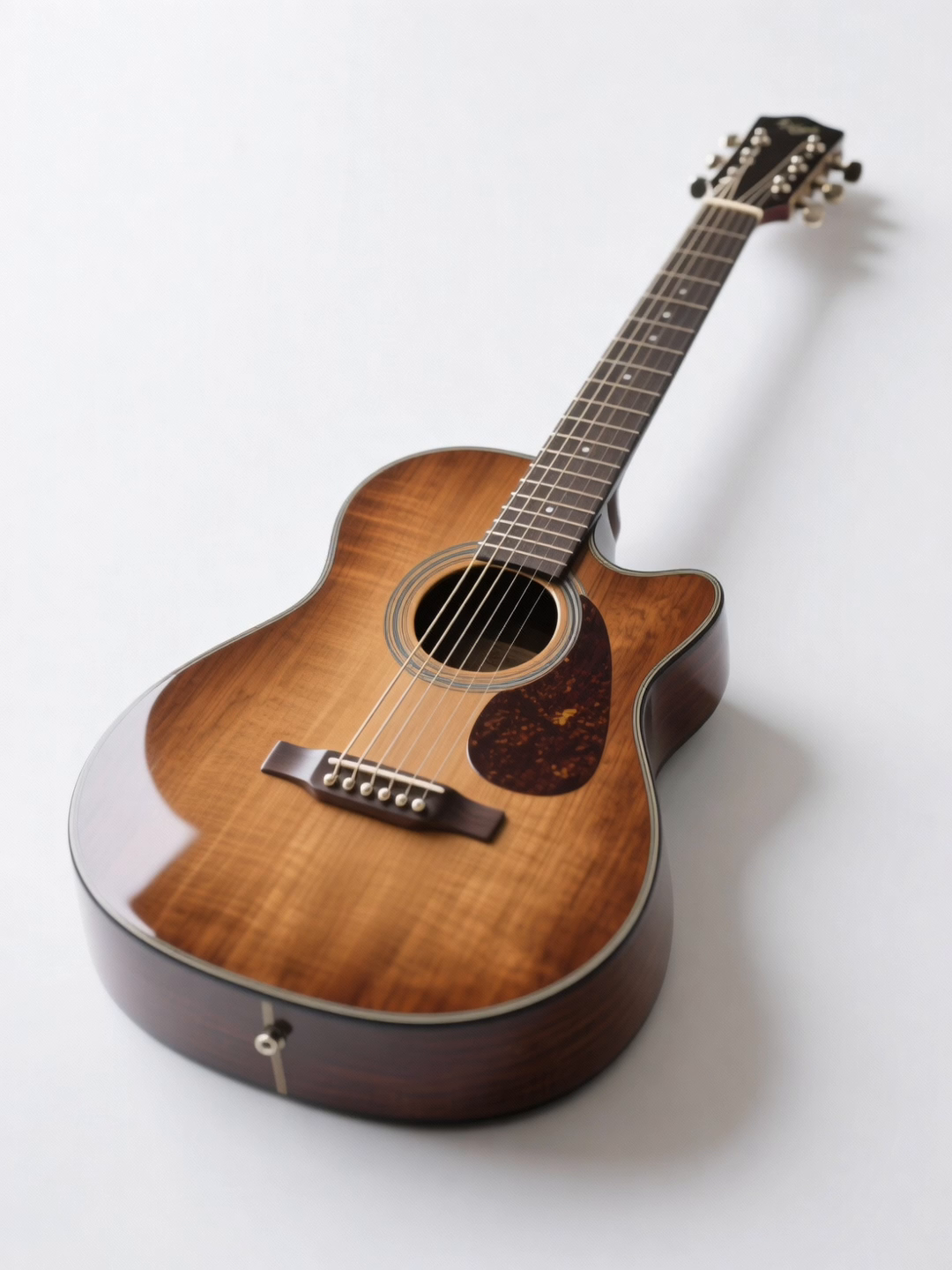
Use up to 10 images, 5 videos, and 5 audio files in reference-to-video requests to anchor identity, composition, movement, and atmosphere.
Choose 480P, 720P, or 1080P, set a 2-30 second duration, and use adaptive or five standard aspect ratios for the destination surface.
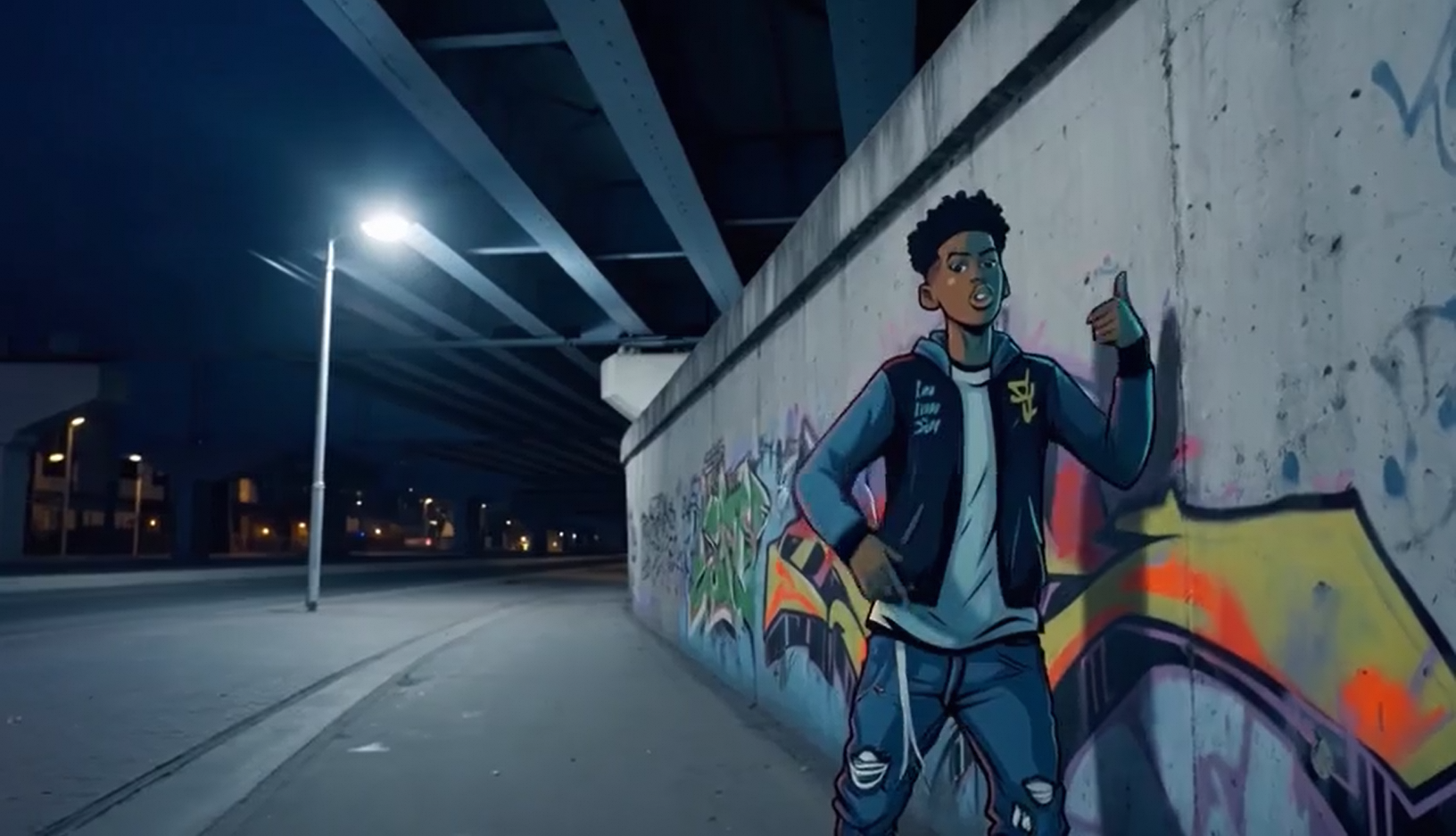 IMAGE 1
 IMAGE 2
 REF 3
 REF 4
04 / Bring the references
Reference-to-video lets your prompt work alongside the source material. Build a consistent visual world from the pieces your team already has.
Images
Up to 10 reference images
Videos
Up to 5 reference videos
Audio
Up to 5 reference audio files
Files
1 document up to 100MB
Webpage
1 public link with no login
05 / Async by default
Every request is an asynchronous task. Keep your product responsive while the provider renders, then retrieve the finished asset from the same task lifecycle.
Choose wan3.0-t2v, wan3.0-i2v, or wan3.0-r2v based on the inputs you have.
Send your prompt with the frames, references, one optional document or public webpage, duration, resolution, and aspect ratio your shot needs.
APIPod returns a task ID while the Wan 3.0 adapter submits and monitors the asynchronous generation.
Poll the task until it completes, then pass the final video URL into your app, editor, or delivery pipeline.
Use the same APIPod generation surface for all three Wan 3.0 modes. Your integration stays stable while provider routing stays internal.
Get API access# Wan 3.0 text-to-video request POST https://api.apipod.ai/v1/videos/generations Authorization: Bearer $API_KEY { "model": "wan3.0-t2v", "prompt": "A cyclist cuts through a rain-lit city at blue hour, handheld camera, reflections on asphalt", "duration": 10, "resolution": "1080P", "aspect_ratio": "adaptive" }
06 / Request contract
Resolution
480P / 720P / 1080P
1080P is the default output resolution.
Duration
2-30 seconds
Use -1 to let the model determine an intelligent duration.
Aspect ratio
Adaptive + 5 ratios
16:9, 4:3, 1:1, 3:4, and 9:16 are supported.
Reference media
10 images / 5 videos
Reference-to-video accepts up to 10 images and 5 videos.
Reference audio
Up to 5 files
Add up to 5 audio references to guide the generated scene.
Execution
Async task
Create a task, poll its status, and retrieve the completed video.
07 / Questions, answered
Wan 3.0 Video is Alibaba Cloud's wan3.0-video model exposed through APIPod. It supports text-to-video, first/last-frame image-to-video, and reference-to-video workflows.
Use wan3.0-t2v for text-only prompts, wan3.0-i2v when you have a first frame or first-and-last frames, and wan3.0-r2v when you want to guide the render with reference images, videos, audio, a document file, or a public webpage.
The reference-to-video mode accepts up to 10 images, 5 videos, 5 audio files, plus either 1 document file or 1 public webpage per request; file and webpage inputs cannot be combined. The image-to-video mode uses a required first frame and can take an optional last frame.
The current contract supports 2-30 seconds, or -1 for intelligent duration selection. Resolution can be 480P, 720P, or 1080P, with 1080P as the default.
Yes. Wan 3.0 reference-to-video accepts audio references, one document file, or one public webpage. Webpages must use HTTP/HTTPS, be publicly reachable, and require no login. Supported document formats include PDF, DOCX, PPTX, XLSX, TXT, Markdown, and common Apple document formats; the file limit is 100MB.
See the official Alibaba Cloud Wan 3.0 Video API reference for the complete request schema, parameter constraints, and asynchronous task lifecycle: https://help.aliyun.com/zh/model-studio/wan3-video-generation-api-reference
READY WHEN THE BRIEF IS
Start with one prompt, add references when the shot needs them, and keep the rest of your production flow on a single API.
Need faster delivery or relaxed moderation? Compare versions