
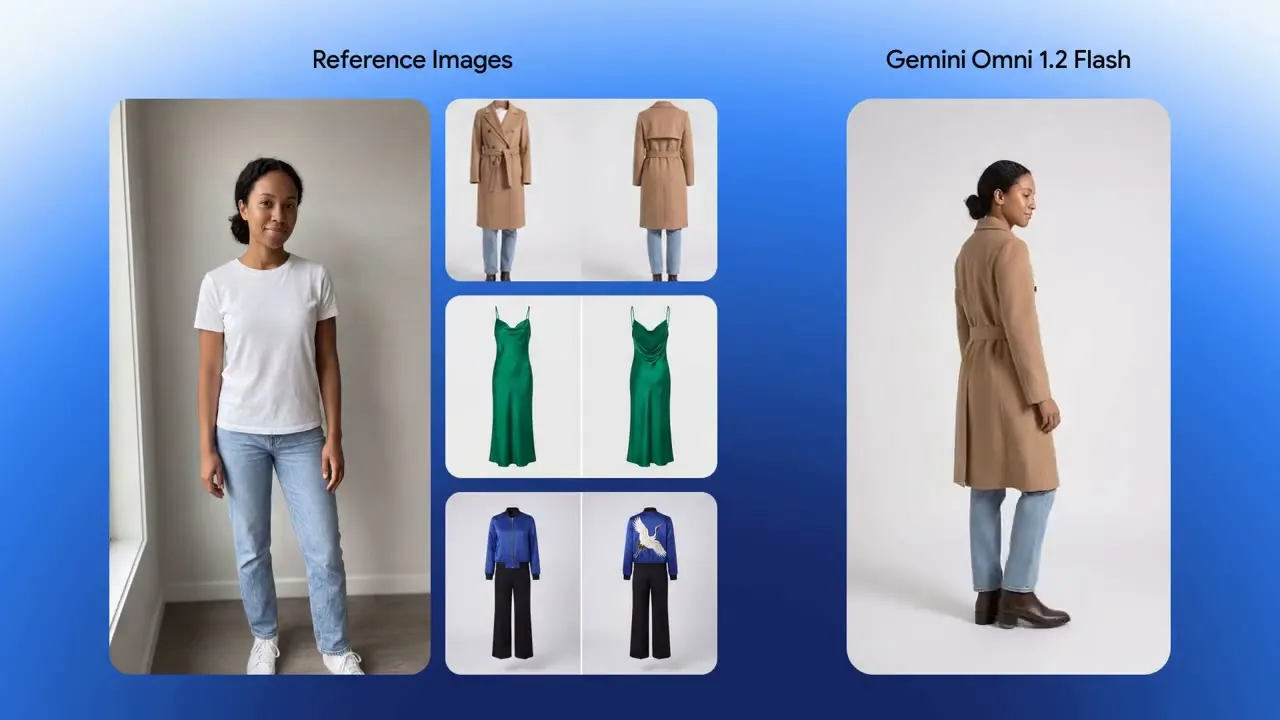
 r2v15s
Virtual try-on, 15 seconds
One model photo plus front-and-back shots of three outfits become a single 15-second try-on sequence — 360° turns and hard match cuts, with identity, cut and drape held throughout.

Gemini Omni Flash 1.2 is Google's omni video model. It turns a prompt, a first/last frame pair or up to ten reference images into a 3-15 second clip with synchronized native audio, from 360P up to 4K in 16:9 or 9:16, and can edit or extend an existing video of up to 15 seconds.

Gemini Omni Flash 1.2 continues one source video of up to 15 seconds by another 3-10 seconds, following the prompt with synchronized audio.
Gemini Omni Flash 1.2 edits one source video of up to 15 seconds from a prompt, keeping the original duration and framing, with synchronized audio.
Gemini Omni Flash 1.2 fuses 1-10 reference images of characters, products or scenes into a consistent 3-15 second video with synchronized audio.
Gemini Omni Flash 1.2 animates a required first frame, with an optional last frame for first-to-last control, producing a 3-15 second video (up to 10 seconds with a last frame) with synchronized audio.
Gemini Omni Flash 1.2 turns a prompt into a 3-15 second video from 360P up to 4K with synchronized audio, in 16:9 or 9:16.
Google's fast tier grew up: clips are 50% longer (3–15s, per-second control), references doubled to 10 images, editing and extension joined the family, and list pricing dropped 30% versus 1.1. Same /v1/videos/generations endpoint as every other APIPod model.

Crash zoom outText-to-video · 15s · generated by Gemini Omni Flash 1.2
All six task modes live on the same 3–15 second ruler. The dashed line is 10s — the old 1.1 ceiling that first/last-keyframe and extend still respect. Drag the window or tap a task; the request below updates as you go.
curl https://api.apipod.ai/v1/videos/generations \
  -H "Authorization: Bearer $APIPOD_API_KEY" \
  -H "Content-Type: application/json" \
  -d '{
    "model": "gemini-omni-flash-1.2-t2v",
    "prompt": "A breathtaking crash zoom out begins in an intimate close-up of a castaway kneeling on damp golden sand, then pulls back in one continuous move to reveal the whole island.",
    "duration": 8,
    "resolution": "720p",
    "aspect_ratio": "16:9"
  }'
duration defaults to 3s. Source videos: ≤15s, ≤64MB, mp4/mov/webm. Editing keeps the source clip's length and bills its seconds; extension adds 3–10s of new footage and bills source + added seconds.
Every clip below is a single Omni Flash 1.2 generation (or one multi-turn chain of them), taken from Google's launch material.
r2v15sOne model photo plus front-and-back shots of three outfits become a single 15-second try-on sequence — 360° turns and hard match cuts, with identity, cut and drape held throughout.
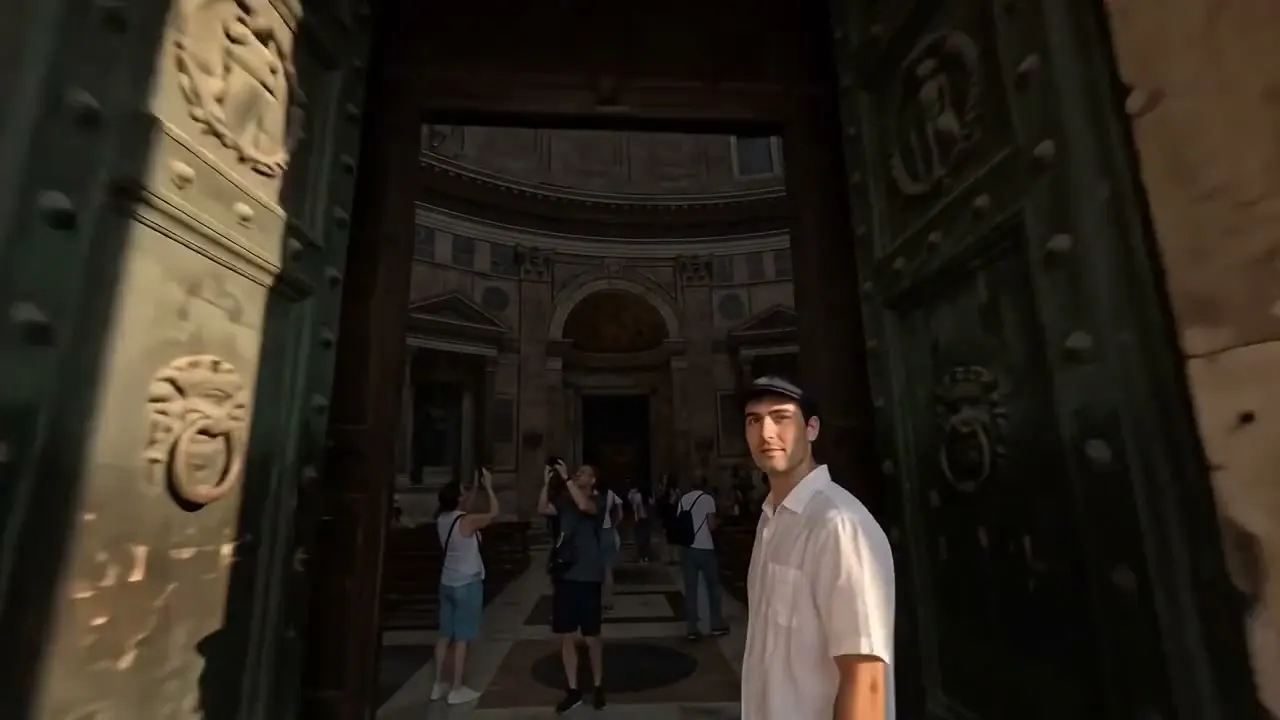 r2v15s
Two architectural references direct a continuous FPV flight — across the piazza, through the bronze doors, up through the coffered dome to the oculus. Zero jump cuts.
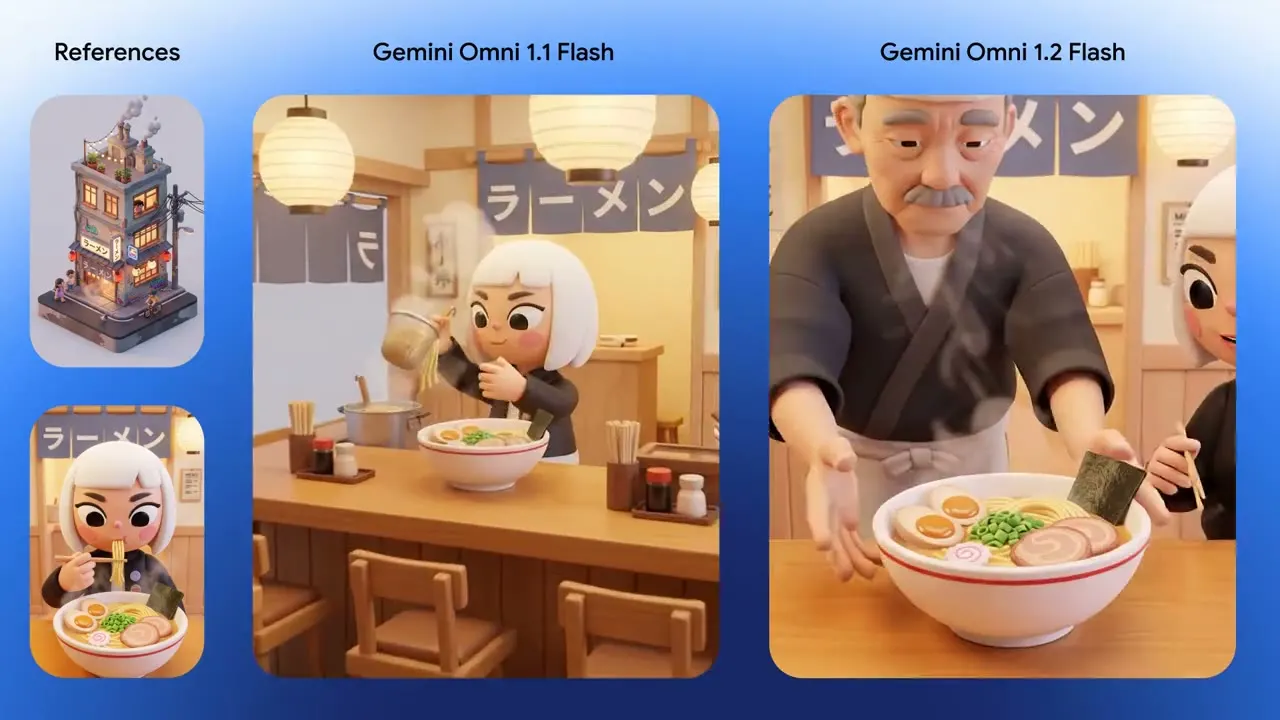 i2v10s
An exterior start frame and an interior end frame join in one continuous camera push — roof cats, ladle and signage all survive the trip.
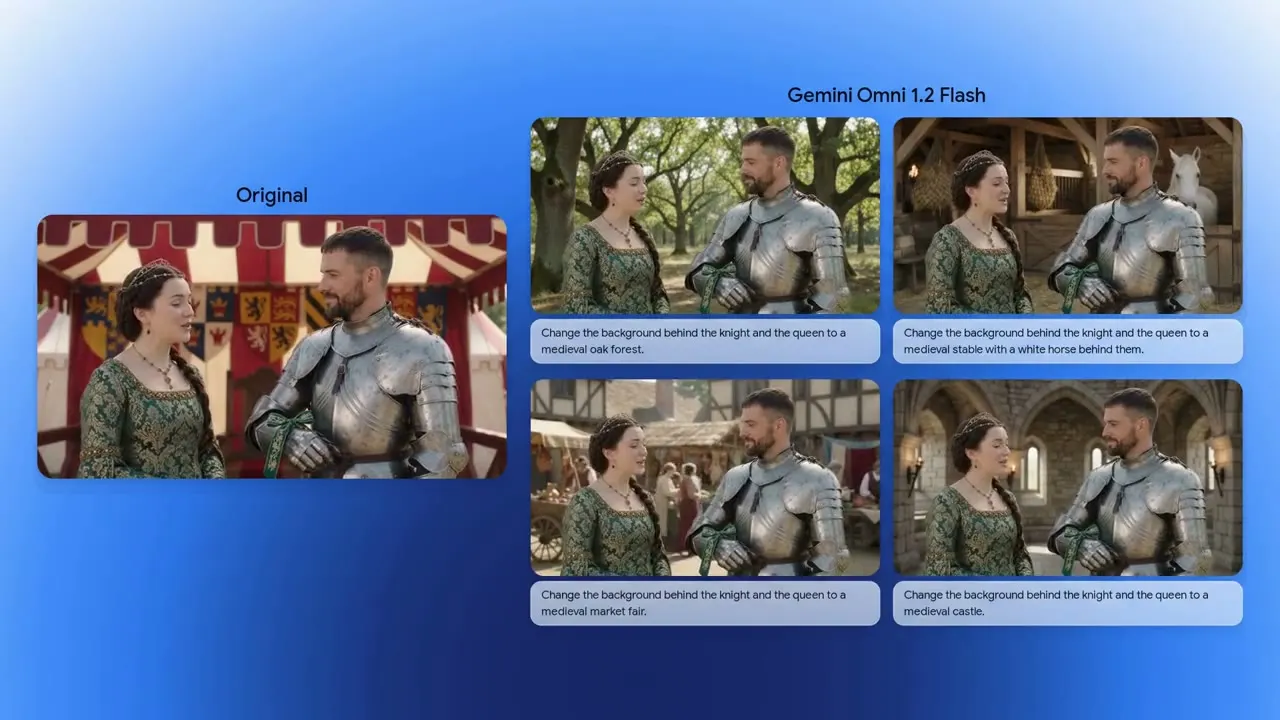 edit15s
Turn-by-turn prompts swap the backdrop — striped tent, oak forest, stable, market, castle — while both performances, armor reflections and framing stay put.
 edit15s
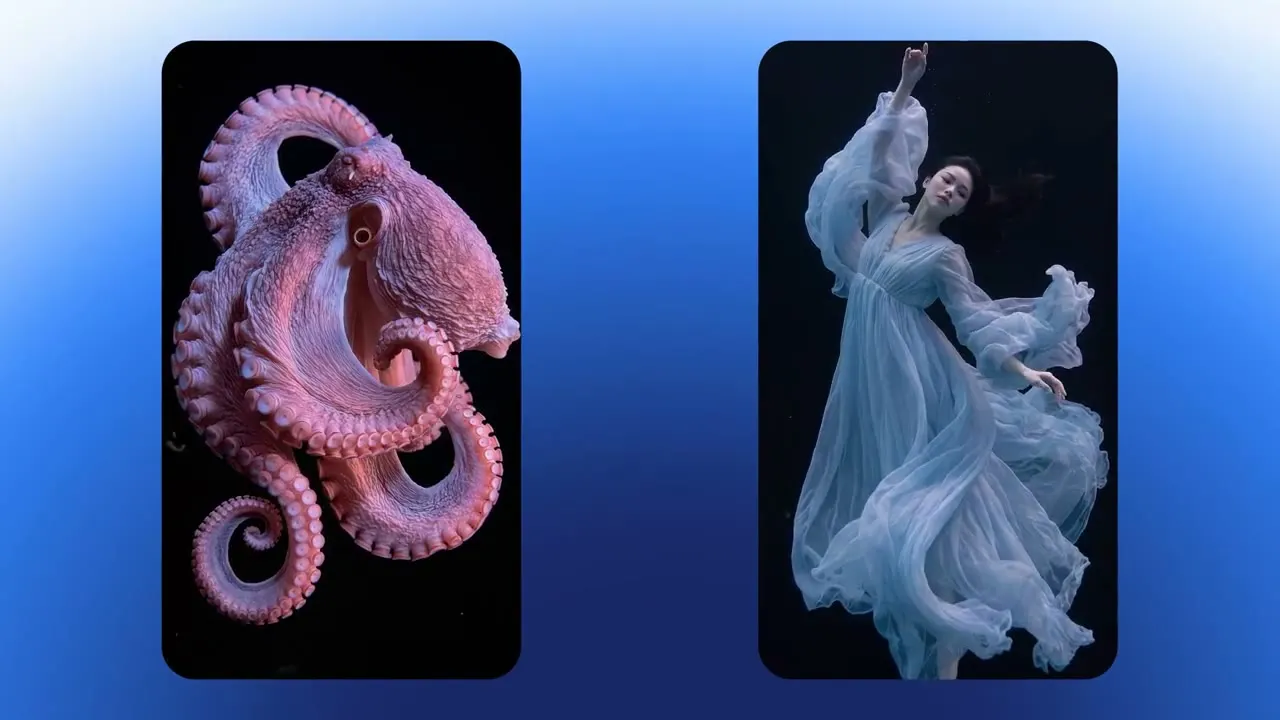
Turn 1 generates a rippling octopus; turn 2 replaces it with a dancer whose gown mirrors the exact same fluid motion.
 r2v15s
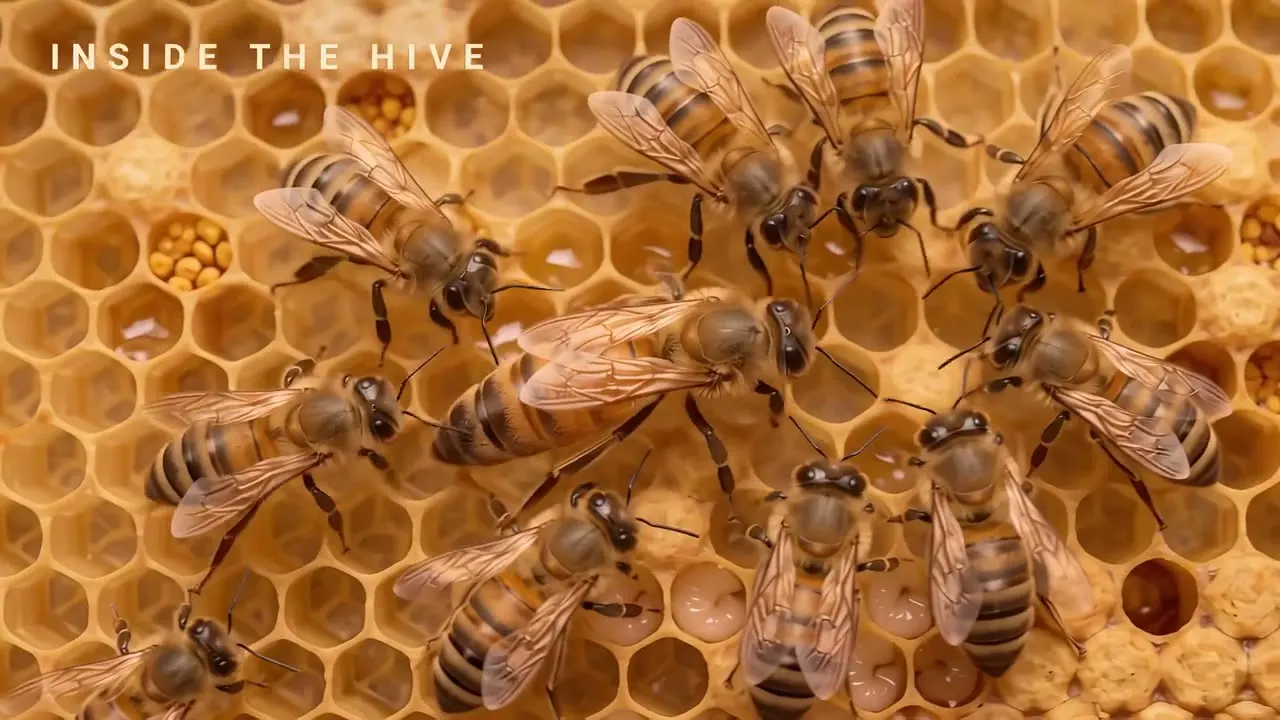
One style frame becomes a 4-shot macro explainer with accurately spelled, motion-tracked callouts — egg, larva, queen — inside the hive.
 r2v15s
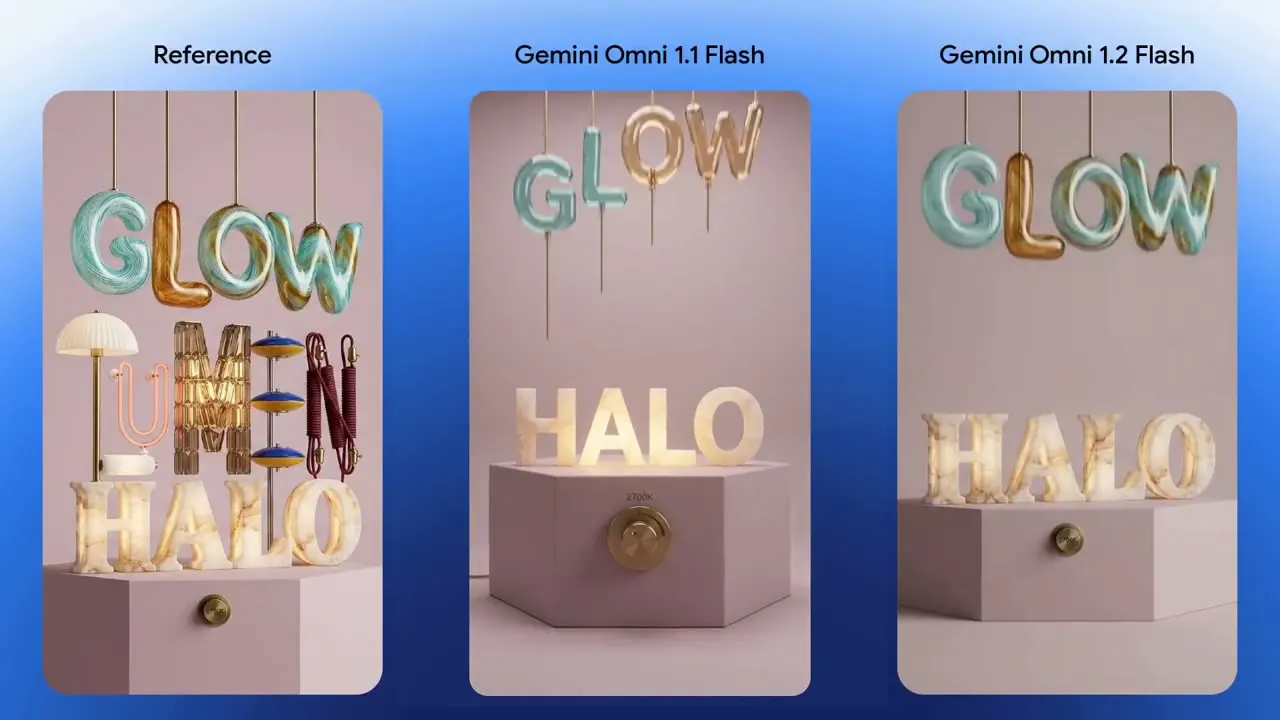
A reference poster drives a vertical animated build — HALO, GLOW, LUMEN — locking materials, shadows and letterforms to the final frame.
 r2v15s
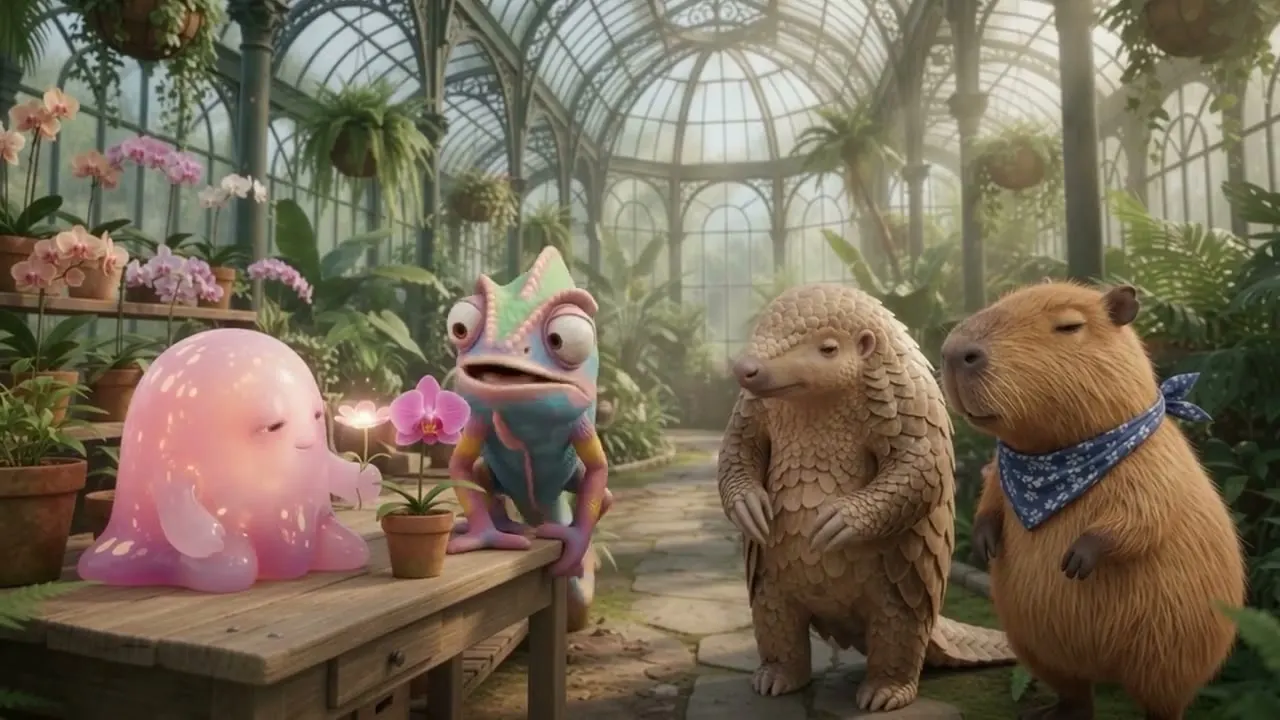
A conservatory scene image plus character, mouth and one-second voice references: each sampled voice lands on the right character with expressive lip-sync and comedic timing.
Clips from Google's Gemini Omni 1.2 Flash announcement, compressed and re-hosted on APIPod's CDN. Originals on blog.google.
In Google's human side-by-side preference studies, 1.2 finished ahead of 1.1 on every reported metric — across editing and all three generation tasks.
Win rates from Google DeepMind's Omni 1.2 Flash launch evaluation, 1.2 vs 1.1. Bars show the 1.2 share of head-to-head wins.
Google's Omni Flash 1.2 — the November 2026 update with native 15-second clips, multi-turn conversational editing, doubled reference capacity and 30% lower list pricing than 1.1. On APIPod it ships as five task-specific model IDs behind the same unified async video API as every other model.
Any whole second from 3 to 15 for text-to-video, first-frame and reference jobs. First/last-keyframe clips top out at 10s, extend adds 3–10s of new footage, and edit ignores duration entirely — the result keeps the source clip's length.
Send exactly one source video (≤15s, ≤64MB, mp4/mov/webm) plus a prompt describing the change. edit follows the source's aspect ratio and length, and bills the source video's seconds.
extend appends 3–10 seconds of new footage after the source clip, so the result is source + addition. edit reworks the source in place instead. Both require exactly one video and neither accepts aspect_ratio.
Per second, by resolution: resolution sets the rate, duration sets the bill. Draft at 360p or 720p and finish only the keepers; 1080p and 4K are upsampled tiers. Editing bills the source video's seconds; extension bills source plus added seconds. Failed generations are not billed. Live rates are on the pricing page.
POST /v1/videos/generations with the model set to gemini-omni-flash-1.2-t2v, -i2v, -r2v, -edit or -extend. You get a task_id back; poll GET /v1/videos/status/:task_id until status is completed — identical to every other video model on APIPod.
Google routes 1.1 Flash requests to 1.2 starting December 3, 2026, and the request shape is unchanged, so for most workloads switching is a one-line model-ID edit. Stay on 1.1 only if you depend on its fixed 10-second, per-video pricing.
One API key, five task modes, and the longest clips the Flash tier has ever shipped.