

Qwen Image 2.1
Qwen-Image 2.1 unifies text-to-image generation and instruction-based editing in a 7B single-stream DiT. It generates native RGBA images from text, edits transparent layers, and extracts subjects from photos, accepting up to 10 reference images with circle, brush, or mask-guided local edits while preserving subject identity. The Turbo tier cuts denoising to 8 steps for the best price-performance in the series.
Available Models

Qwen Image 2.1 Pro
Qwen Image 2.1 Pro unifies text-to-image and instruction-based editing in a 7B single-stream DiT. It generates native RGBA images from text, edits transparent layers, and extracts subjects from photos; accepts up to 10 reference images with circle, brush or mask-guided local edits; and preserves identity for people and products. Native 2K output, 1-6 images per request.
Qwen Image 2.1 Turbo
Qwen Image 2.1 Turbo keeps the 2.1 architecture and contract but cuts denoising from 40 steps to 8, making it the best price-performance option in the Qwen-Image series. It generates and edits images with up to 10 reference images, supports native transparent output, and retains native 2K resolution at 1-6 images per request.
Released Sep 20, 2026By Alibaba Qwen · OpenAI-compatible image API
Qwen Image 2.1 APITransparent PNG. No cut-out step.
Qwen-Image 2.1 puts generation, editing and subject extraction in one 7B model. It renders native RGBA from text, edits transparent layers, accepts up to 10 reference images, and supports circle, brush or mask-guided local edits while keeping faces and products intact. Turbo cuts denoising to 8 steps.
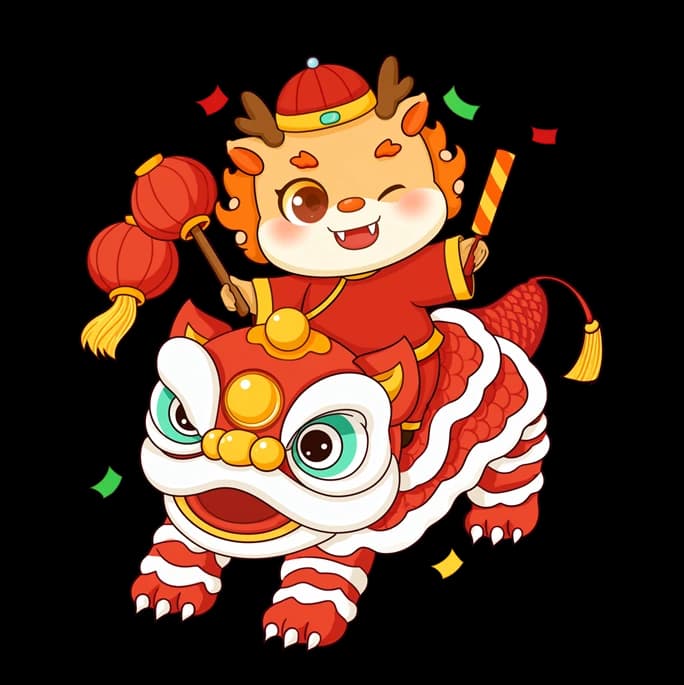
Official outputs carry a real alpha channel: switch the backdrop to white and nothing fills in behind the subject. These are the model's files, not a background removed afterwards.
- Visual backbone
- 7B
- 32 single-stream DiT layers
- Turbo steps
- 8
- down from 40 on the base checkpoint
- Reference images
- 10
- for multi-subject composition
- Transparency
- RGBA
- native, generation and editing
- Native output
- 2K
- 2048x2048 and 7 aspect ratios
- Images per call
- 6
- set n from 1 to 6
Capabilities
Small model, four things it does at once
2.1 replaced a heavier stack with a single 7B stream, which is why the same checkpoint can create, edit and cut out without handing off between models.
01
Compact and efficient
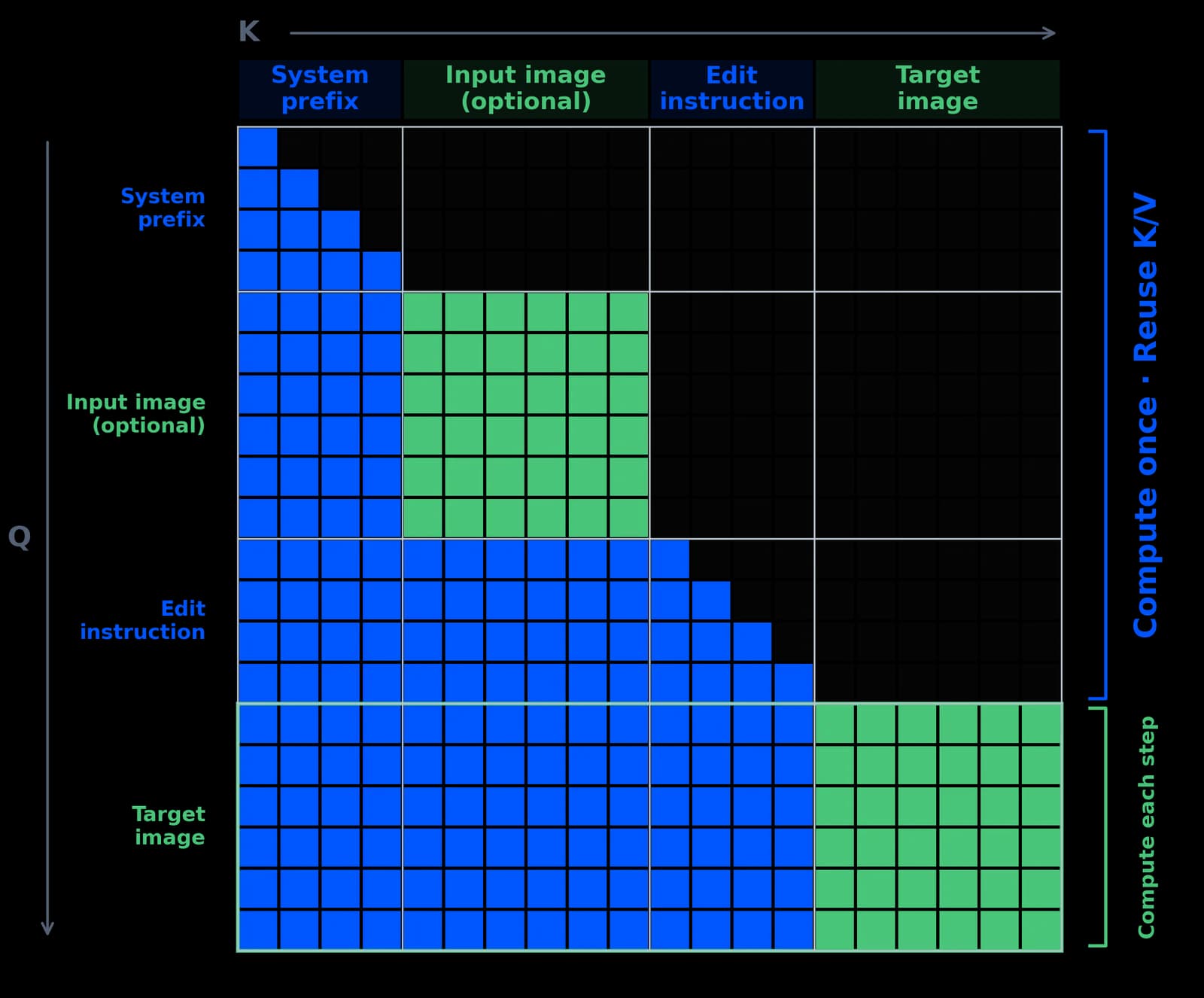
Mixed-granularity attention plus prefix KV cache reuse encode the text and reference images once, then reuse them across every denoising step, keeping quality high at low compute.
7B · 32 layers · prefix KV reuse
02
Native transparency
One 64-channel RGBA VAE generates ordinary images or transparent ones from text, edits existing transparent layers, and pulls a subject out of a photograph - no background-removal pass.
64-channel RGBA VAE · 16x compression
03
Versatile editing
Pass up to 10 reference images to compose multi-subject scenes, and mark the region to change with circles, brush strokes or a separate mask instead of describing coordinates in prose.
≤ 10 references · circle / brush / mask
04
Identity and texture
People keep their faces and products keep their labels and materials across edits, with improved typography, portrait lighting and fine texture in the output.
face + product identity preserved
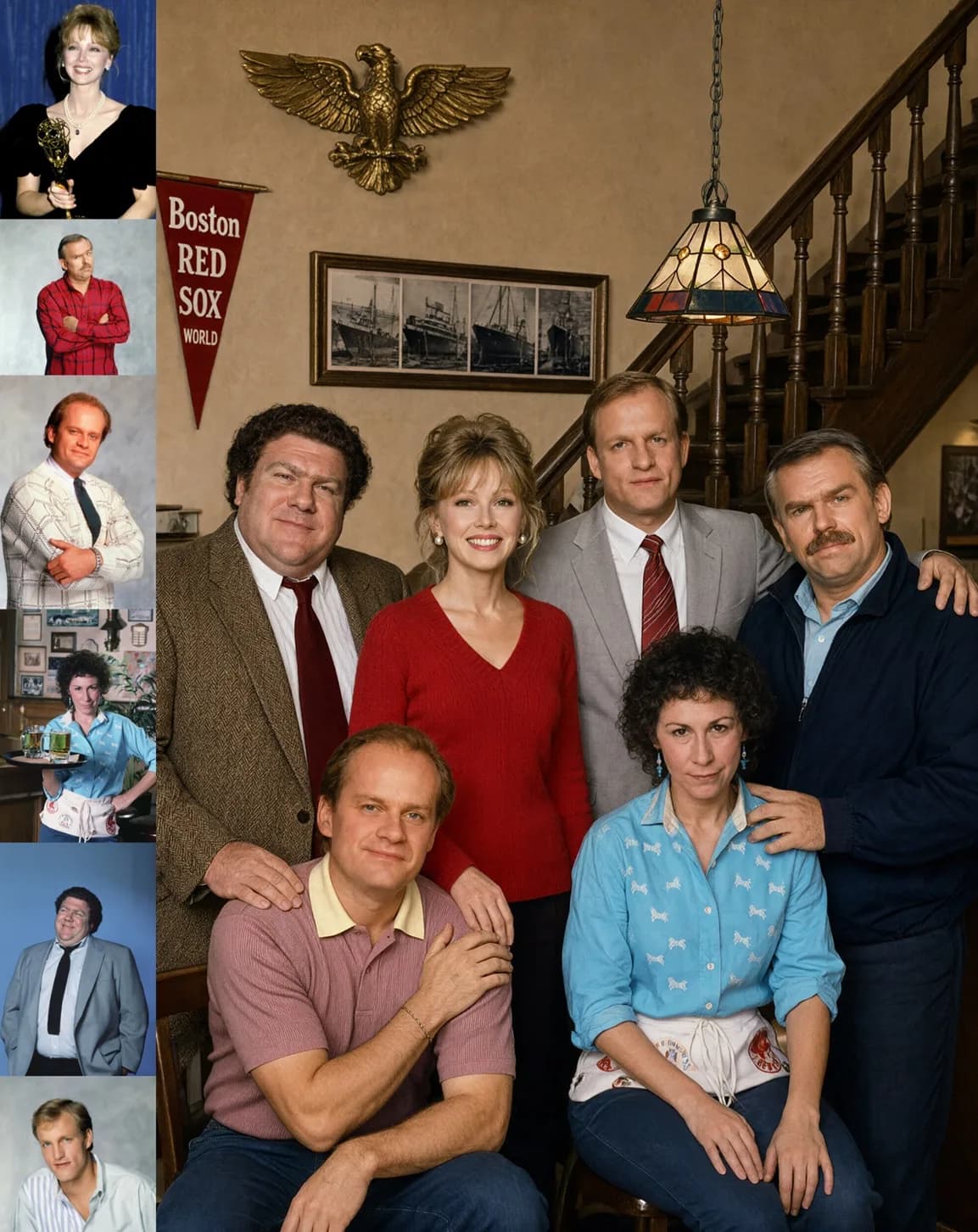
6 reference images
Six portraits, one group photo
Each person comes from a separate reference photo, and the result keeps every face and hairstyle distinct instead of averaging them together.
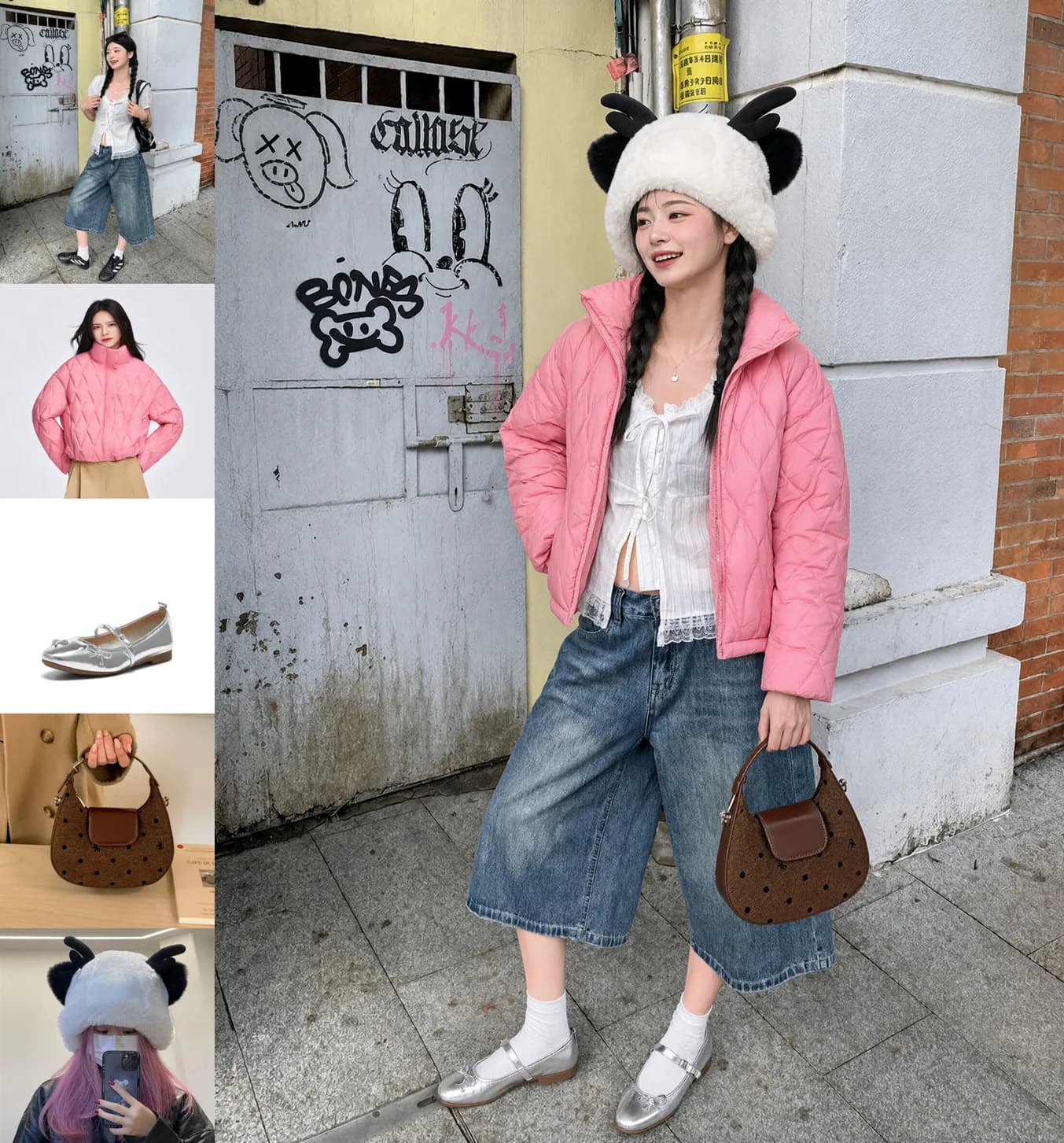
5 reference images
Five references, one outfit
Model, clothing, shoes, bag and hat are supplied separately, and the model assembles them into a single full-body styling shot.
Local editing
Circle it, and only that changes
Mark the regions to touch - a watch to remove, hair to recolour, a jacket to swap - and the rest of the frame stays pixel-stable. No global re-render, no drift in the background.
Use circles or brush annotations in the reference image, or pass a separate mask when you need hard edges.
 Before
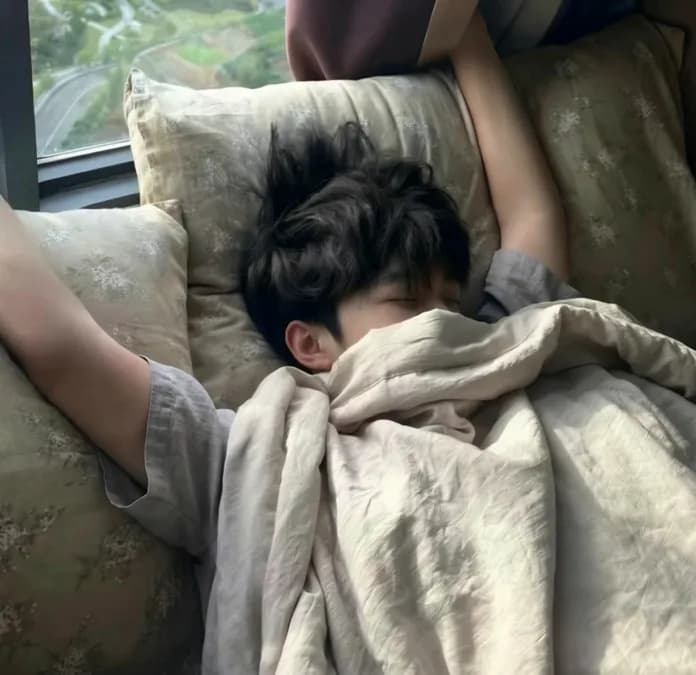 After
Circle-guided multi-region edit from the official model card; the two frames are the published input and output.
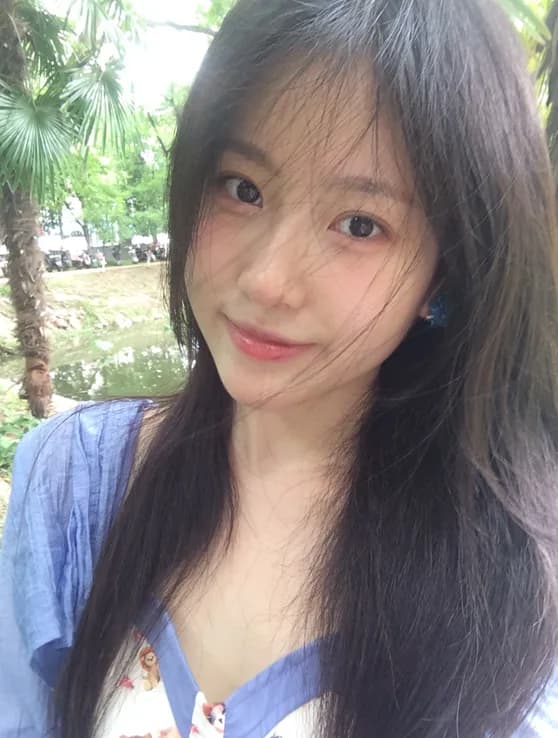
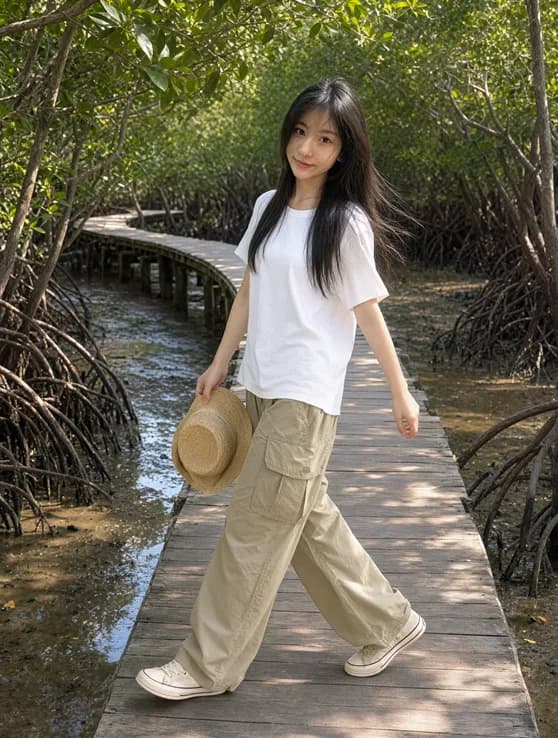
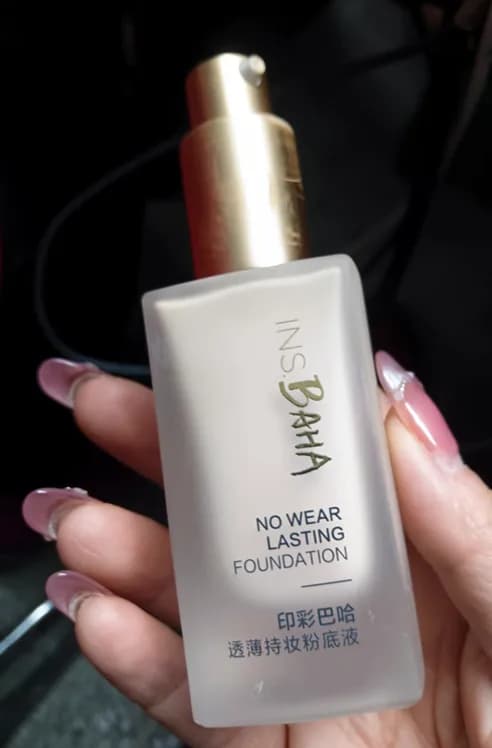
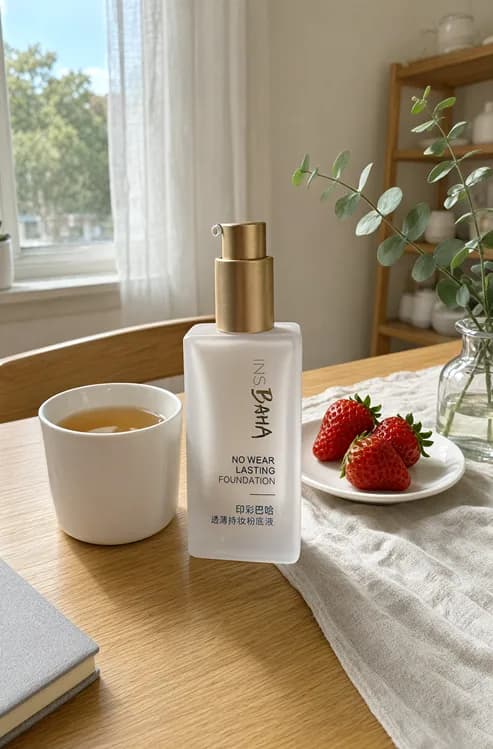
Identity preservation is the difference between a usable product photo and a reshoot: labels, logos, materials and facial structure survive the edit instead of being re-invented.
Examples
Images made with Qwen Image 2.1
Official outputs from the Qwen-Image-2.1 model card, kept at full resolution. The transparent example sits on a checkerboard so you can see the channel.
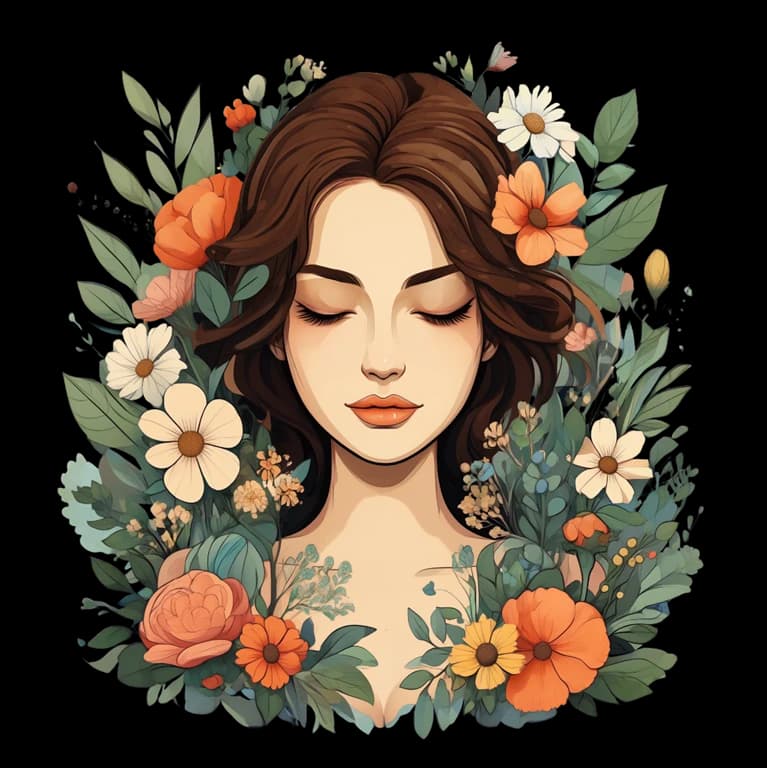
Native transparent sticker
This is an RGBA image with transparency. A cute cartoon character sticker with soft shading and a clean outline. The image has alpha channel and the background is transparent.
Group photo from six references
These six characters from the reference portraits are sitting around a campfire in a forest at night, keeping each person's face and hairstyle exactly as in their reference image.
Outfit from five references
Assemble the complete outfit shown across these five reference images - the model, the clothing, the shoes, the bag and the hat - into one full-body styling photo.
Circle-guided local edit
Circle-guided local edit on the same photo: remove the watch, change the hair colour, and replace the jacket, leaving everything outside the circles untouched.
Chemistry notes poster
A hand-drawn chemistry study poster on cream paper: navy borders, highlighted "Fe + CuSO4 → FeSO4 + Cu", a reactivity-series ladder, a property comparison table and a before/after iron-nail experiment.
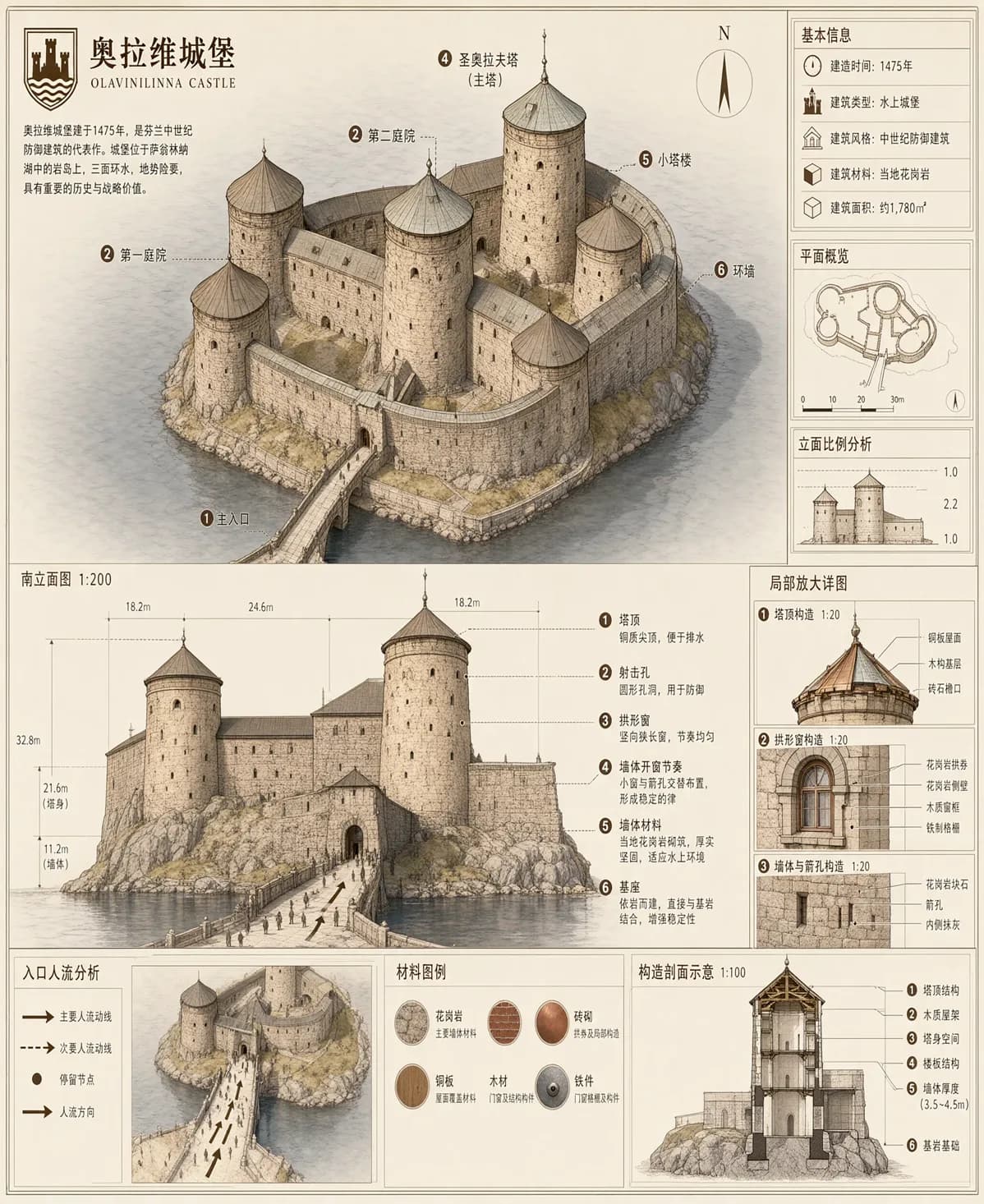
Educational notes page
A vertical educational notes page in marker-and-watercolour style with a yellow highlighted title, equation panel, molecule diagrams and a summary strip.
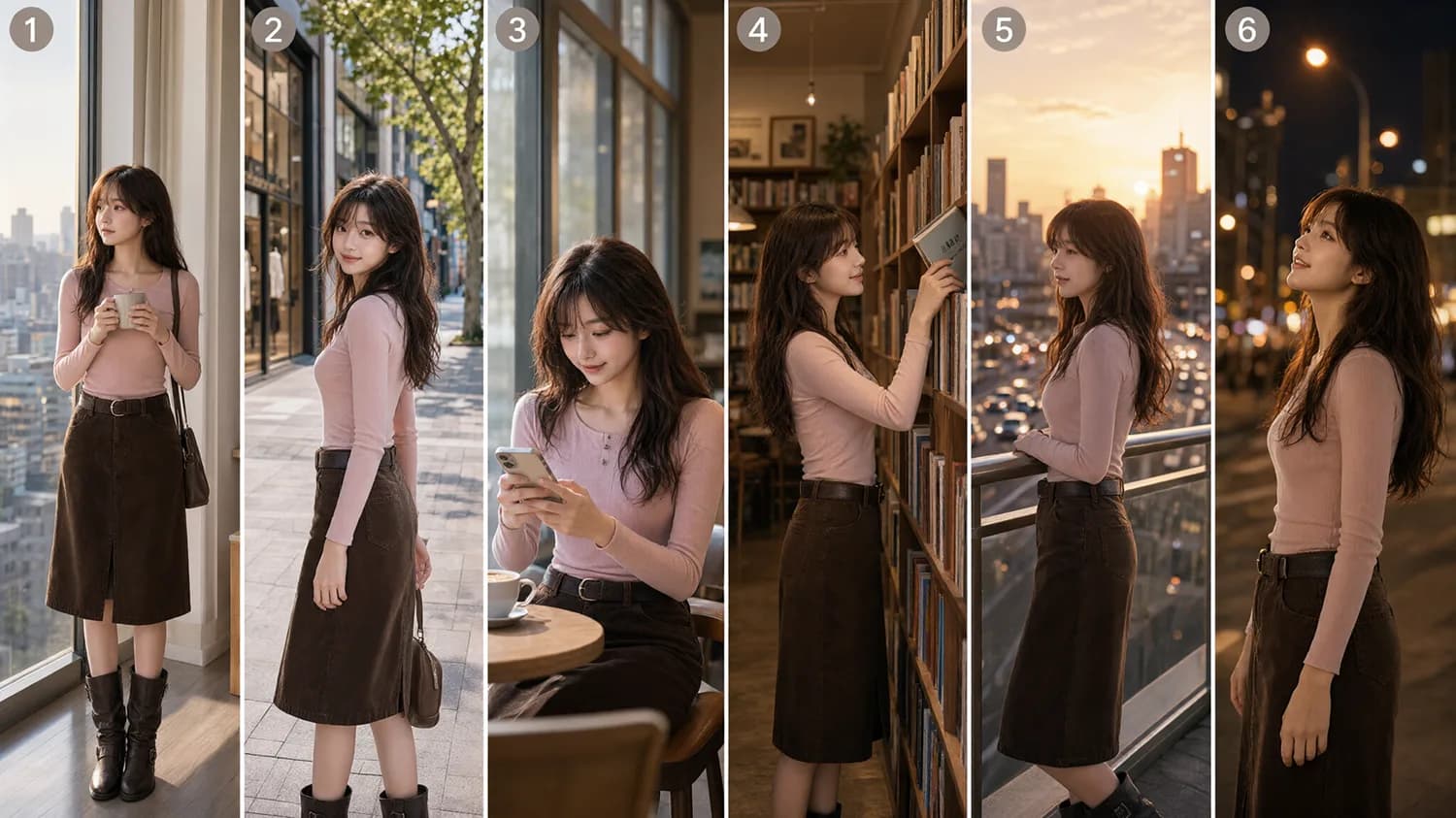
Five-panel storyboard
A five-panel storyboard of the same character walking through a rainy night market, consistent costume and lighting across panels.
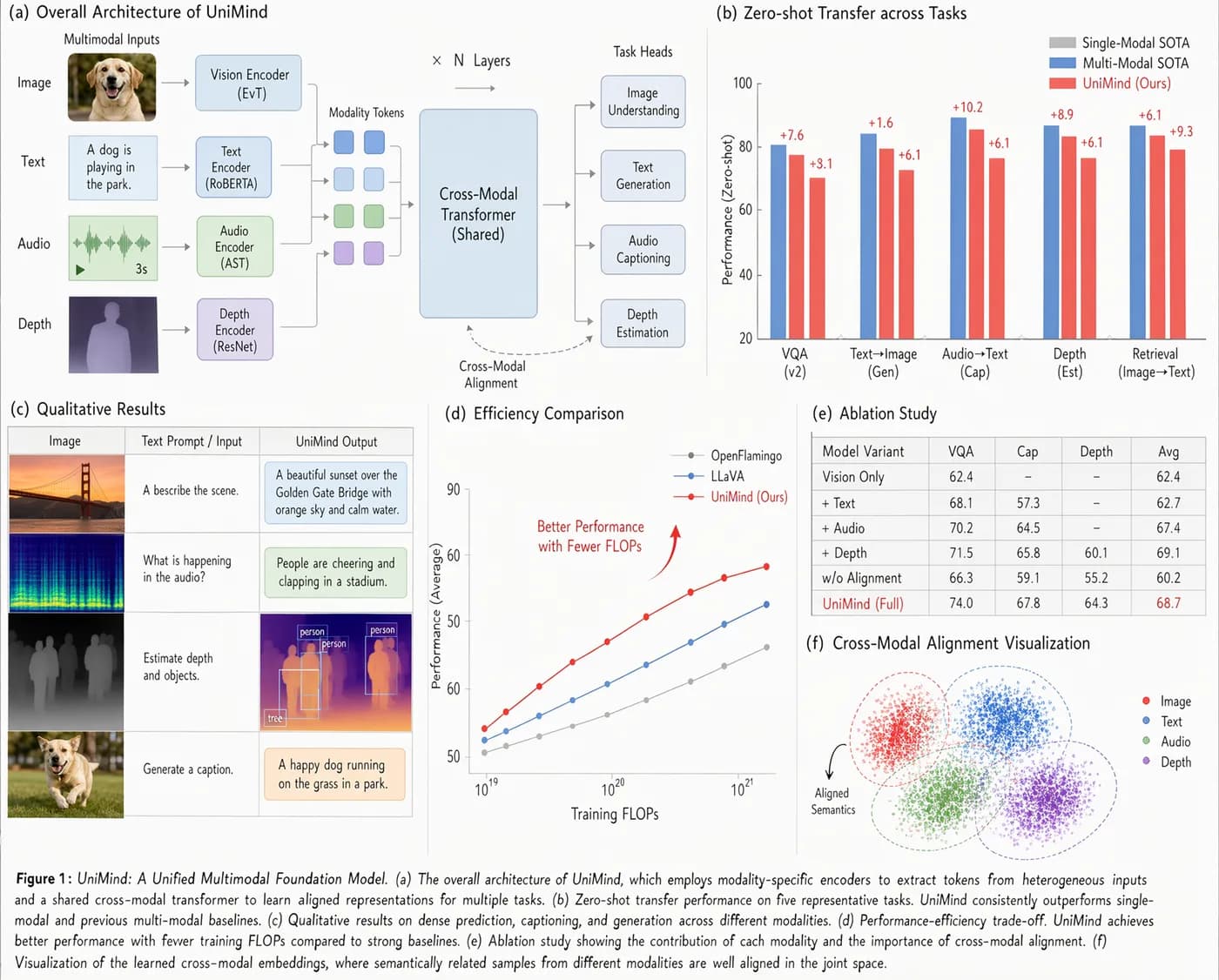
Architecture diagram
A clean technical diagram of the Qwen-Image 2.1 architecture: 7B single-stream DiT, Qwen3-VL text encoder and an RGBA VAE, with labelled data flow.
Portrait identity preserved
Edit this portrait while preserving identity: keep the face, bone structure and hairstyle, change only the lighting to soft window light from the left.
Product identity preserved
Place this product on a marble surface with a soft contact shadow, keeping the label text and logo exactly as in the reference photo.
Prompts are adapted from the official model card and shortened for the cards. Images are self-hosted copies of the published outputs.
Models & pricing
Pro and Turbo, both at native 2K
Same 7B architecture, same request contract, same transparent output. Turbo simply needs fewer denoising steps, which is why it costs less per image.
qwen-image-2.1-pro
Best all-round
The reference checkpoint: strongest fine detail and typography, best when the output is the final asset.
Use when quality matters more than volume. Keep size at 2048*2048 for native 2K.
View modelqwen-image-2.1-turbo
Fast and cheap
The same 7B model on an 8-step schedule, keeping native 2K and transparency at the lowest price in the series.
Skin texture can look over-sharpened on close portraits; switch to Pro when micro-detail matters.
View modelBoth models bill per generated image regardless of resolution - 2.1 does not use 1K/2K tiers. Pro is $0.04 per image and Turbo is $0.016. Editing uses the same endpoint with image_urls attached.
API
Generation, editing and cut-outs on one endpoint
Submit a task, poll for the result, read the URL array. Transparent output is requested in the prompt, not with a separate flag, so the same call works for opaque and RGBA images.
- ·POST /v1/images/generations returns a task_id; the job runs asynchronously.
- ·Add up to 10 entries to image_urls to compose multi-subject scenes or guide a local edit.
- ·Start the prompt with "This is an RGBA image with transparency." and state that the background is transparent.
curl -X POST https://api.apipod.ai/v1/images/generations \
  -H "Authorization: Bearer $APIPOD_API_KEY" \
  -H "Content-Type: application/json" \
  -d '{
  "model": "qwen-image-2.1-pro",
  "prompt": "A hand-drawn chemistry study poster on cream paper: navy borders, a highlighted equation Fe + CuSO4 -> FeSO4 + Cu, a reactivity-series ladder and a before/after iron-nail experiment.",
  "size": "2048*2048",
  "n": 1
}'

# {"task_id":"tsk_...","status":"processing"}
# GET https://api.apipod.ai/v1/images/status/tsk_...
Upstream URLs expire after 24 hours; APIPod mirrors finished images to storage, so the URLs you receive stay valid.
Choose a generation
Qwen Image 2.1 vs Qwen Image 3.0
2.1 is the editing and cut-out generation. 3.0 is the layout and typography generation. Both run on the same API key.
| Spec | Qwen Image 2.1 | Qwen Image 3.0 |
|---|---|---|
| Built for | Generation, editing and cut-outs | Dense layouts, typography, UI and print |
| Prompt budget | Short to medium instructions | Up to 4.5k tokens |
| Text rendering | Strong typography, no 10px claim | 10px minimum, 12 languages |
| Reference images | Up to 10, with circle and mask edits | Up to 3 |
| Transparency | Native RGBA output | Not a focus |
| Entry price | $0.016 / image (Turbo) | $0.03 / image |
Pick 2.1 for transparent assets, subject extraction and many reference images. Pick 3.0 when text inside the image and page layout are the point.
FAQ
Questions people ask
What is Qwen Image 2.1?
It is Alibaba Qwen's unified image generation and editing model, open-sourced in September 2026 and available as an API. A 7B single-stream DiT handles text-to-image, instruction-based editing, native transparent output and subject extraction, with up to 10 reference images.
How do I call it on APIPod?
Create an API key and call https://api.apipod.ai/v1 with model qwen-image-2.1-pro or qwen-image-2.1-turbo. Submit to /v1/images/generations, then poll /v1/images/status/{task_id} until the task completes.
How is it billed?
Per generated image, regardless of resolution - 2.1 does not use resolution tiers. Pro and Turbo have different per-image prices; the same model ID edits an image when you attach image_urls, at the same per-image price.
How do I get a transparent background?
Ask for it in the prompt. The recommended form is: "This is an RGBA image with transparency. <subject>. The image has alpha channel and the background is transparent." There is no separate transparency parameter, and the model decides from the prompt whether to emit RGBA.
How many reference images can I send?
Up to 10 per edit. For composition, put one subject per reference image. For local edits you can also circle or brush the regions directly on the reference, or pass a separate mask.
Is Turbo worse than Pro?
Turbo runs the same 7B architecture on an 8-step schedule instead of 40, keeping native 2K and transparency. It is the better default for volume and drafts; close-up portraits can look over-sharpened, so switch to Pro for final assets.
Should I use 2.1 or 3.0?
Use 2.1 for transparent assets, cut-outs, many reference images and identity-preserving edits. Use 3.0 when the job is long prompts, dense layouts and text down to 10px. They share the same API surface, so you can switch with a model name.
Ship the asset with its alpha channel intact.
Create a key, generate one transparent PNG, and check it on a white background before you import it.