
Image

Region Box Targeted Object Edit
Use colored boxes and object descriptions to tell Seedream 5.0 Pro exactly which region and object each edit should affect.
Seedream 5.0 ProIntermediate
region controlannotation
Seedream 5.0 Pro prompt examples built around reference-driven editing: role assignment per image, spatial anchors and precise multilingual text.
Seedream 5.0 Pro shines at reference-guided image generation and editing: keep a subject's identity, swap garments, place logos and control layouts by giving every reference image an explicit role in the prompt.
The examples below cover commercial retouching, brand layouts, character consistency and multilingual typography. They demonstrate the spatial-anchoring and must-keep constraint patterns that separate production-grade results from lucky shots.
Give each reference image a clear role, such as subject, outfit, material, logo, or layout.
Name what must stay unchanged before describing the edit you want.
Use spatial anchors, colored boxes, or layout language when the target region matters.
Quote exact text for multilingual signage and ask for no extra words when text accuracy matters.
Use colored boxes and object descriptions to tell Seedream 5.0 Pro exactly which region and object each edit should affect.
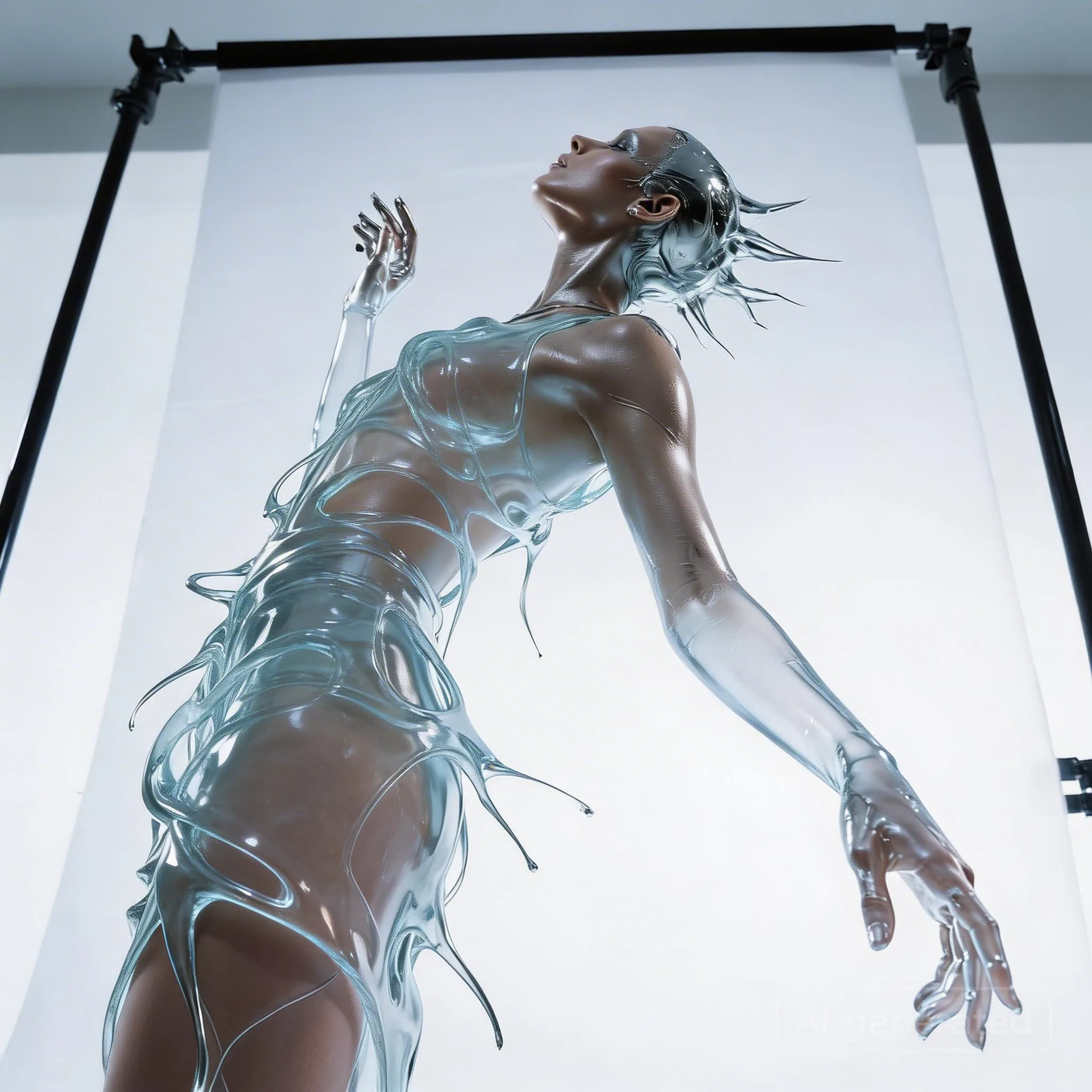
Change a reflective metallic liquid dress into transparent water or glass while preserving pose and silhouette.
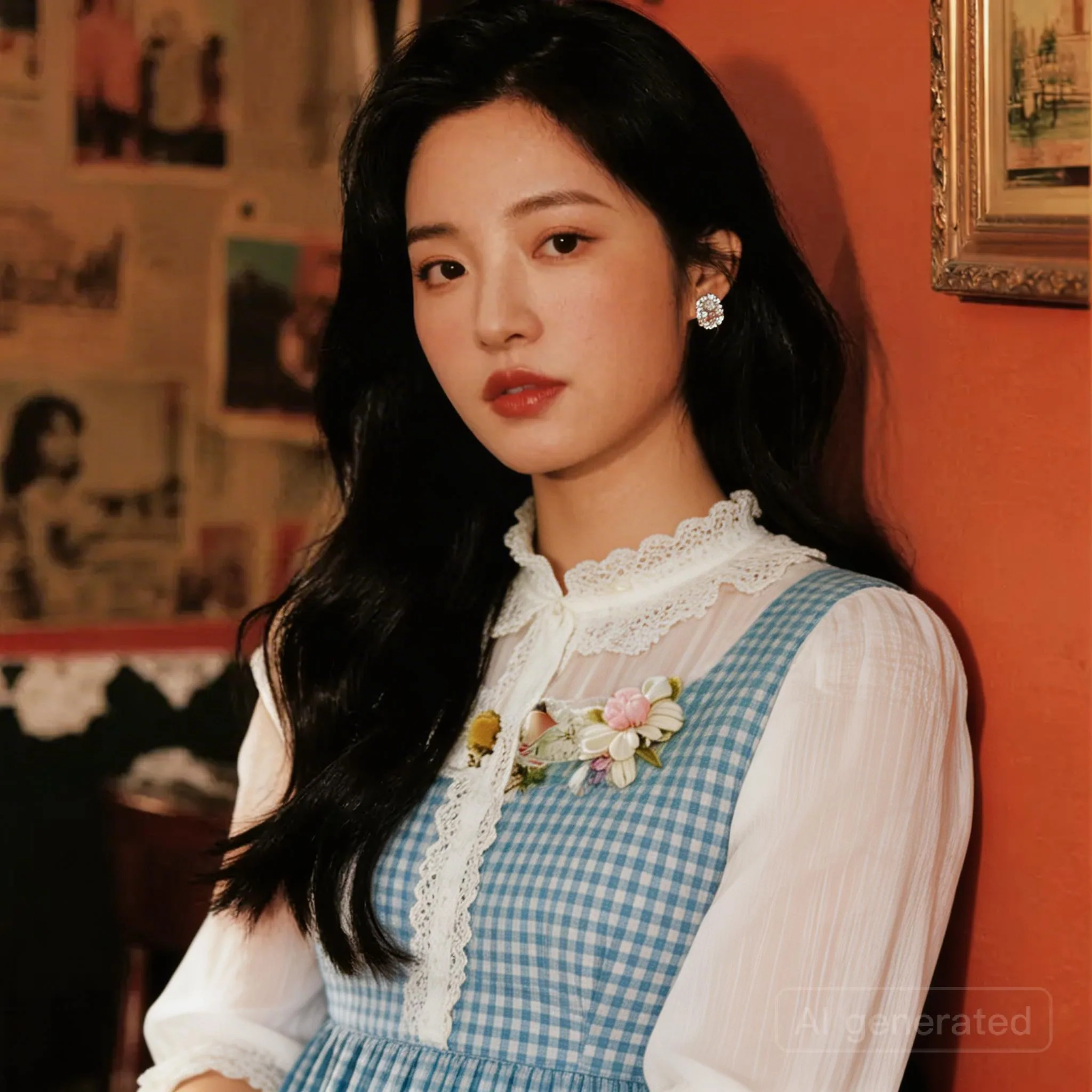
Replace the clothing in one subject image with an outfit from a second reference image.
Use colored blocks as a coarse layout map for object placement, palette control, and composition planning.
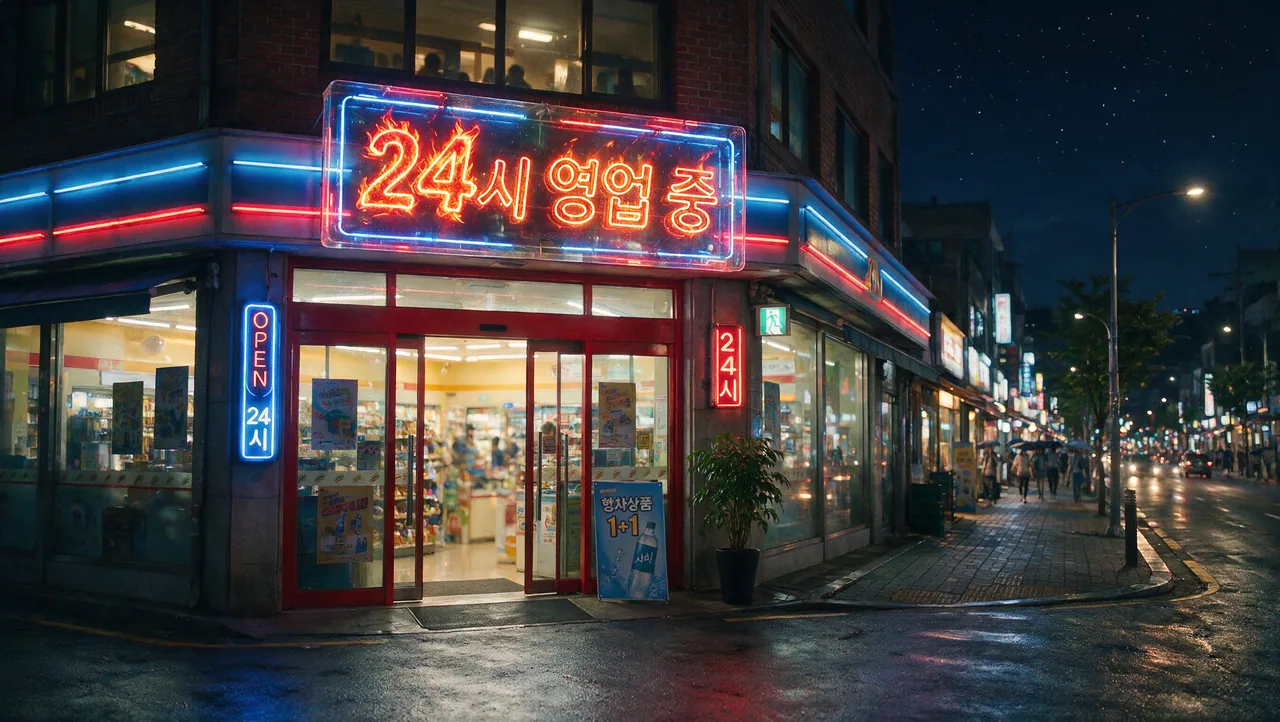
Create clean localized signage with non-English text, clear typography, and culturally appropriate product styling.


Turn rough doodles into realistic objects while keeping their approximate position, scale, and role in the scene.
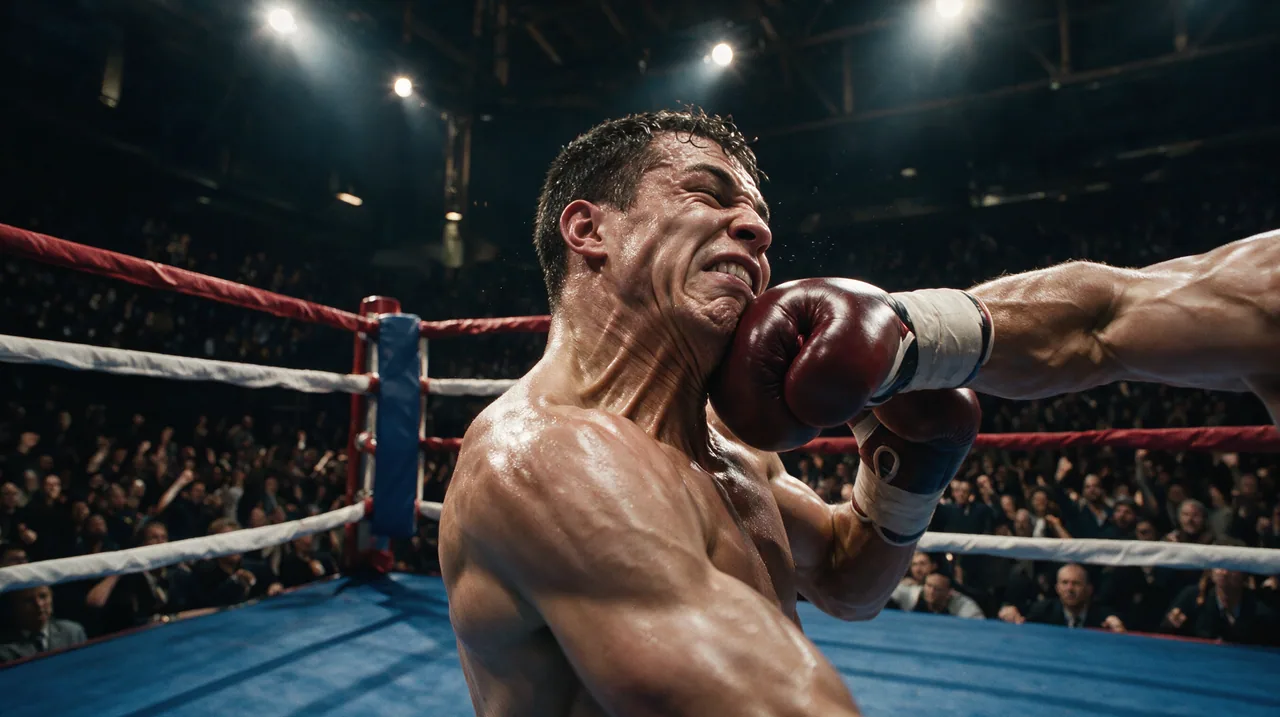
Design a high-impact cinematic keyframe with action blocking, atmosphere, and story-first composition.
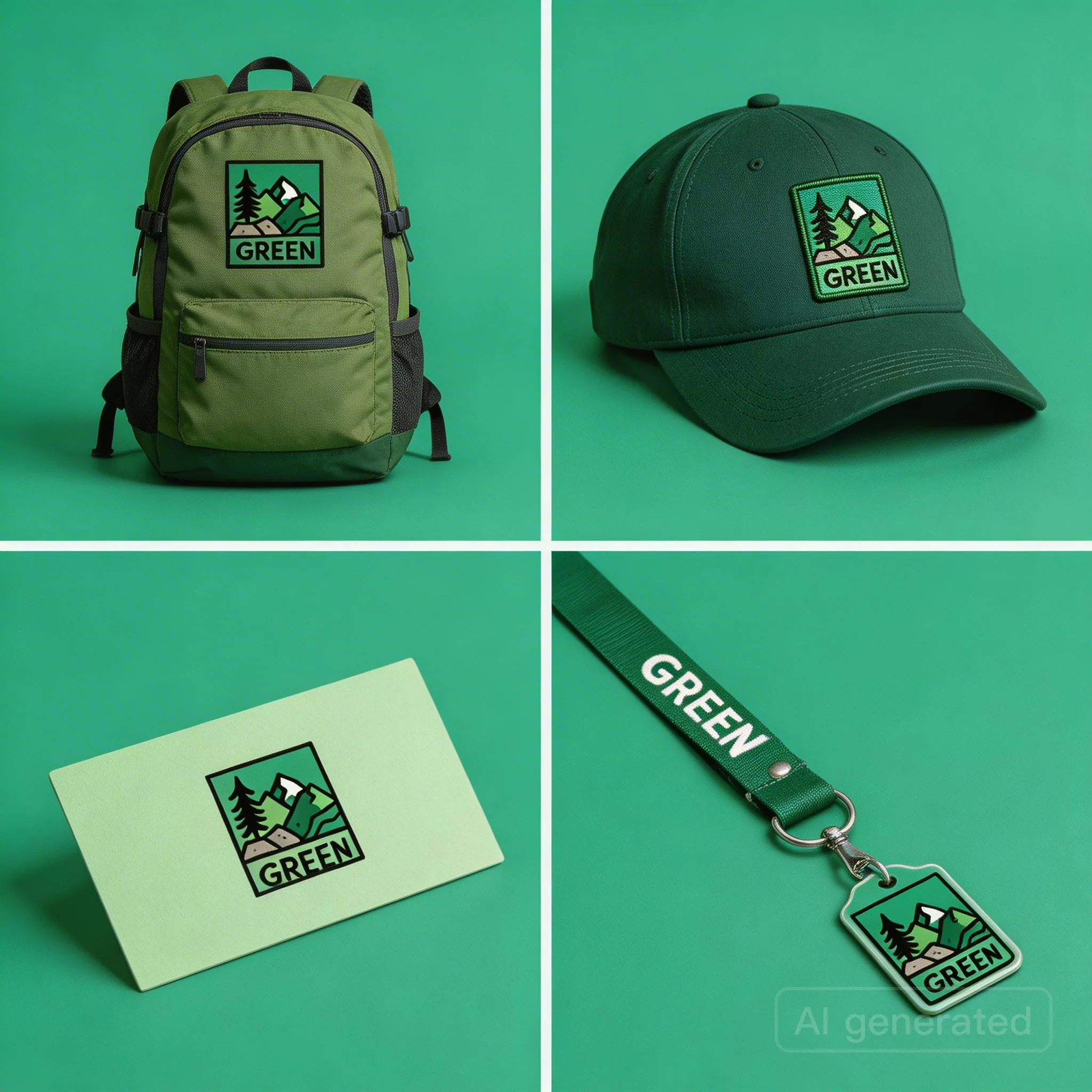
Turn one logo reference into a cohesive outdoor sports brand visual system for bags, hats, cards, and lanyards.
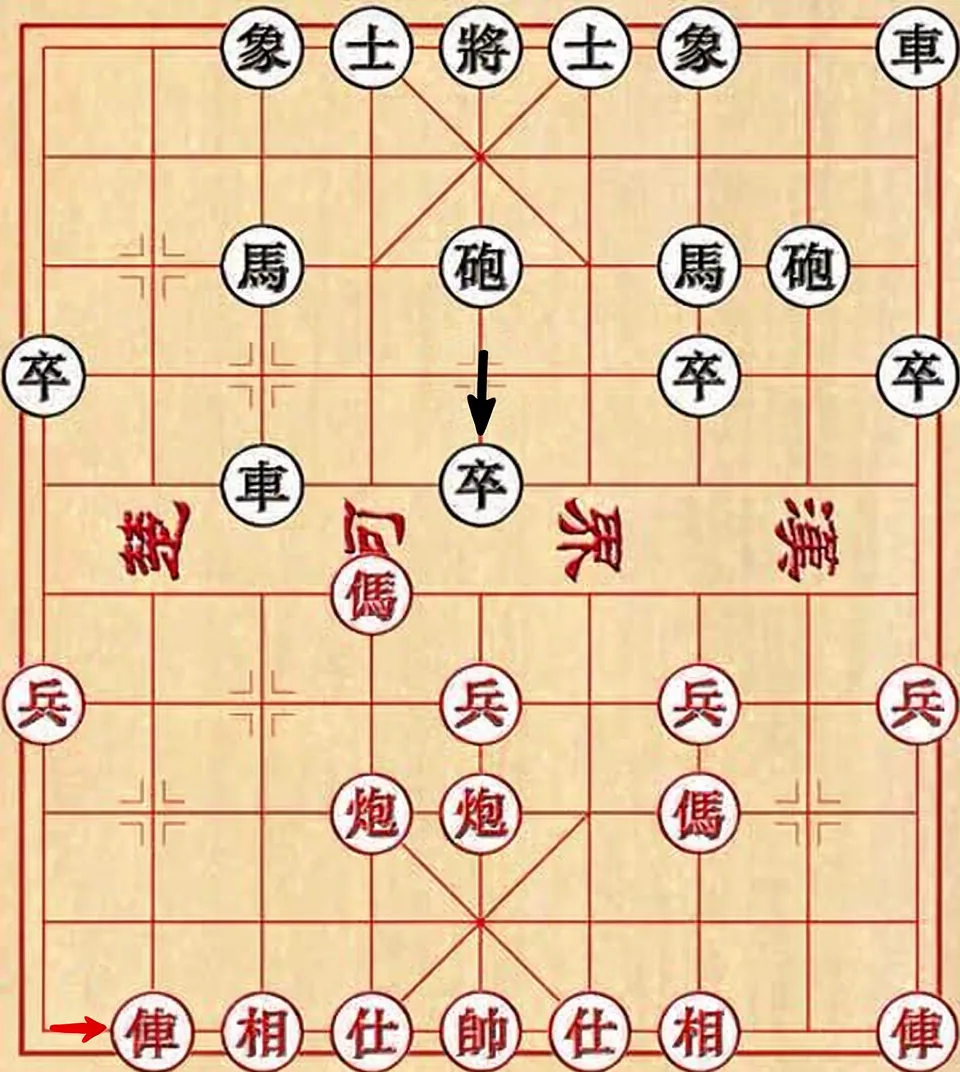
Move specific objects inside a grid-like scene by naming their position and direction instead of redrawing the full image.
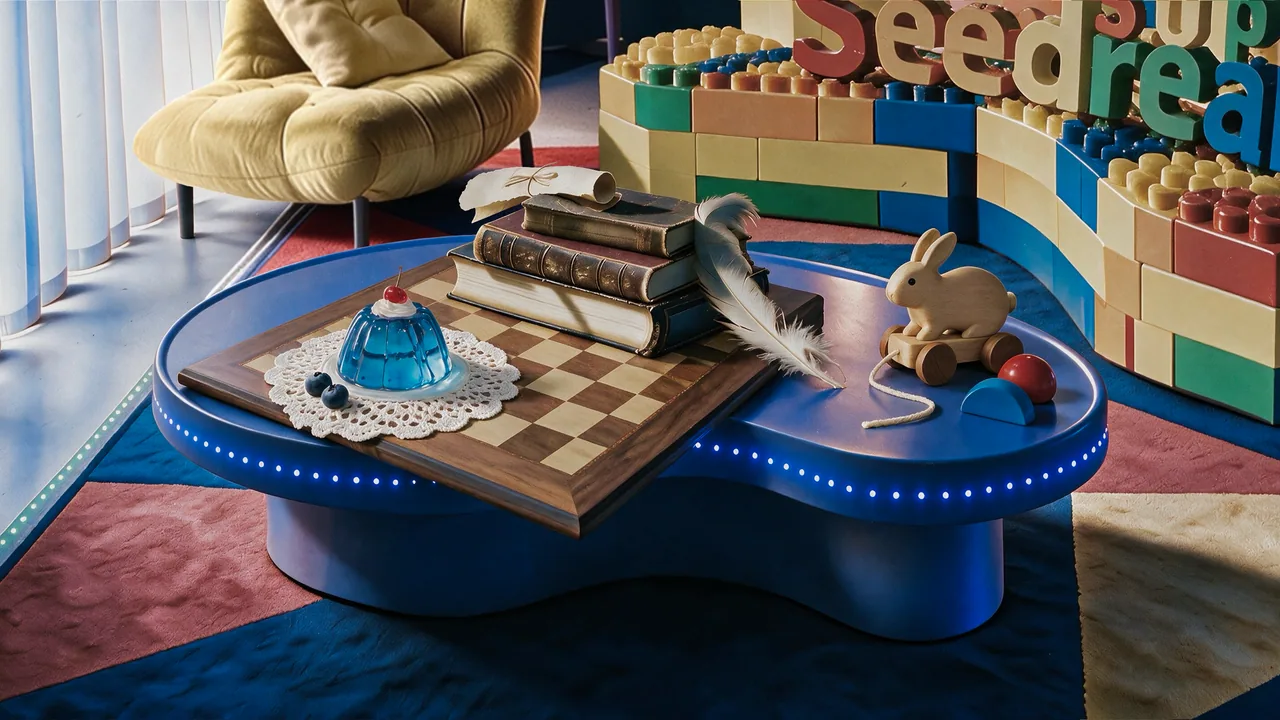
Combine several white-background product references into one realistic still-life layout while preserving material detail.
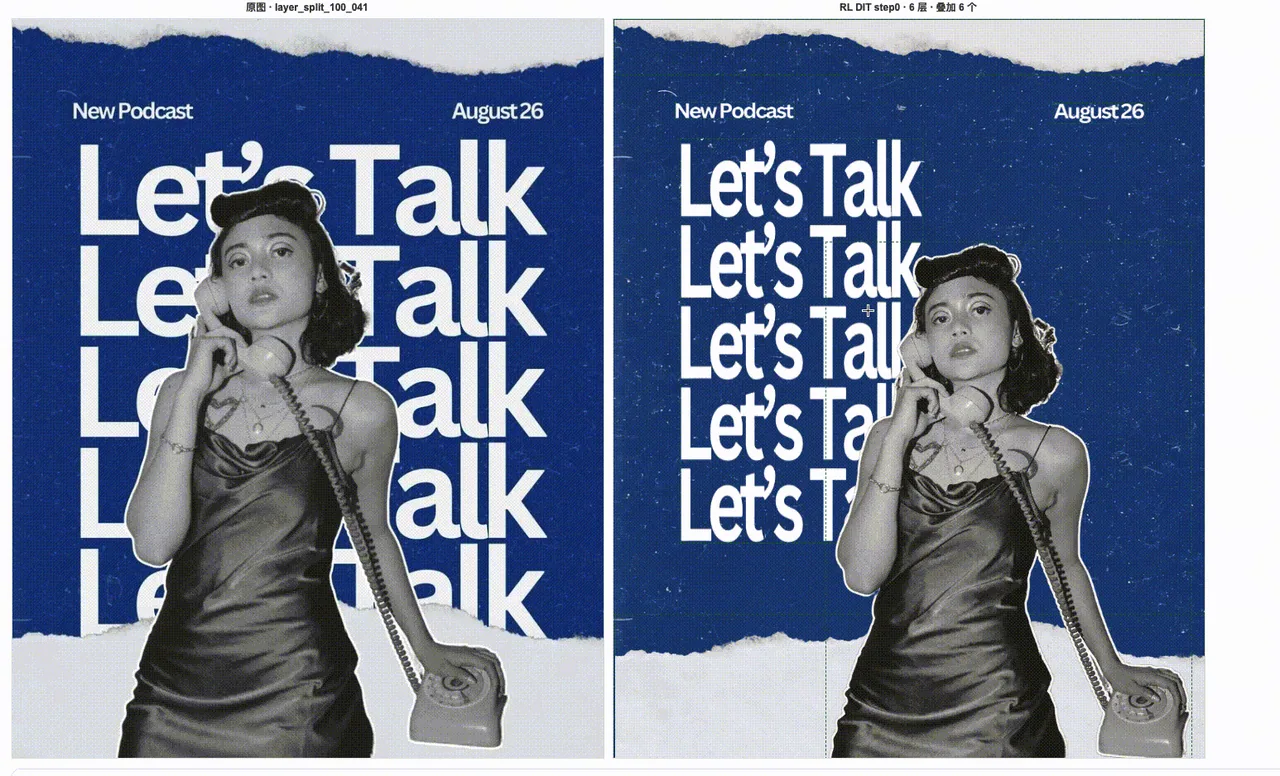
Ask Seedream 5.0 Pro to separate a designed poster into background, subject, typography, and reusable visual components.

Use arrows and annotation boxes to point Seedream 5.0 Pro at the exact local area that needs to be changed.
All prompts in this library are collected from publicly available sources on the internet, for reference and educational purposes only. If any content infringes your rights, please contact us and it will be removed promptly.
Join thousands of developers experiencing the most stable, efficient multi-modal AI API aggregation service. Register now for free trial credits, no credit card required.