
Models in series
3
z-image-spicy and z-image-spicy-pro generate; qwen-image-edit-spicy refines.

Qwen Image Spicy consists of multiple models in the Qwen image series. z-image-spicy and z-image-spicy-pro are built on the open-source Z-Image base model from Alibaba Tongyi. They generate uncensored photorealistic or stylized images from text. Multi-stage sampling combined with DPO LoRA improves both diversity and aesthetic scores. A built-in free prompt expander turns brief ideas into highly detailed visuals. The composition is specially optimized for downstream image-to-video workflows, featuring clean backgrounds, reserved motion space, and starting poses for movement. qwen-image-edit-spicy handles post-processing: it performs precise instruction-based editing on any image, including changes to clothing, pose, facial expression, relighting and background replacement, while preserving all other elements.

Qwen Image Edit Spicy on APIPod edits a primary image from a text prompt - adding, removing or restyling elements - optionally guided by up to two reference images for outfit transfer and scene composition. Output follows the primary image's composition and dimensions, on a route built for mature-theme creative work.
Z-Image Spicy Pro on APIPod doubles the resolution ceiling of the relaxed-moderation Z-Image route to 2560px per side and leaves prompt rewriting off by default for precise control. Same 6B S3-DiT foundation (anti-homogenization, bilingual text rendering), same reproducible seeds.
Z-Image Spicy on APIPod is the relaxed-moderation variant of Alibaba Tongyi's open-source Z-Image (6B S3-DiT) text-to-image model. It generates 256-1536px images with intelligent prompt rewriting enabled by default and reproducible seeds, on a route built for mature-theme creative work.
Qwen ecosystem · Spicy image series
One series, three models — generation and refinement on one pipeline.
z-image-spicy and z-image-spicy-pro turn text into uncensored photoreal or stylized images: multi-stage sampling with DPO LoRA widens diversity while lifting aesthetic scores, built-in free prompt expansion completes a short idea, and composition reserves room for downstream image-to-video. qwen-image-edit-spicy handles the last mile — precise, instruction-based edits to any image while explicitly preserving everything else.

Models in series
3
z-image-spicy and z-image-spicy-pro generate; qwen-image-edit-spicy refines.
Resolution
256–2560 px
Generation: 1536 px per side (standard) and 2560 px (Pro). Editing output follows the primary image.
Prompt expansion
Built in, free
A one-line idea is expanded into a full scene — no extra model call or setup on your side.
Edit control
Instruction-based
Supports (keyword:weight) emphasis syntax to control exactly what changes and what stays.
Official samples
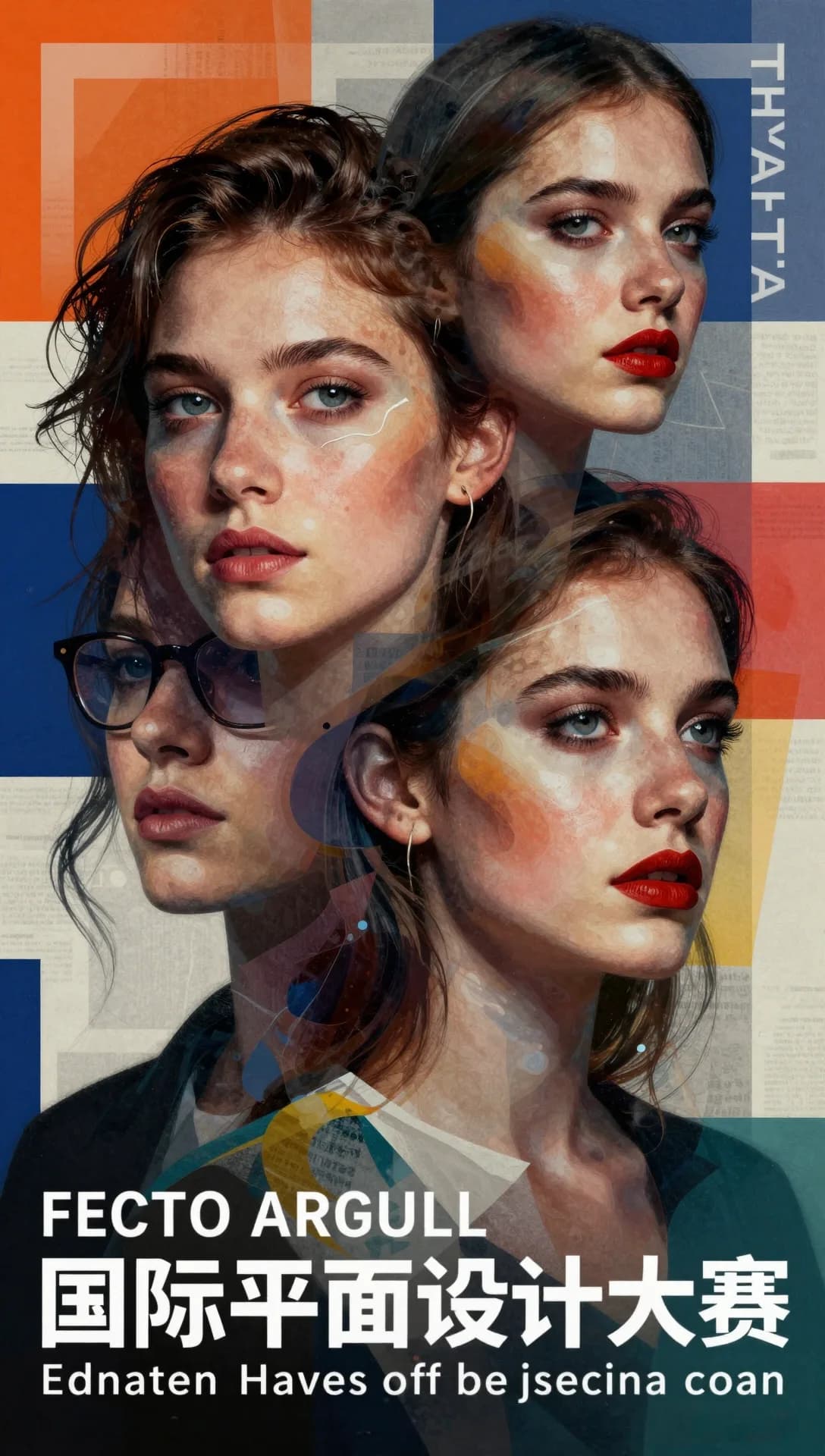
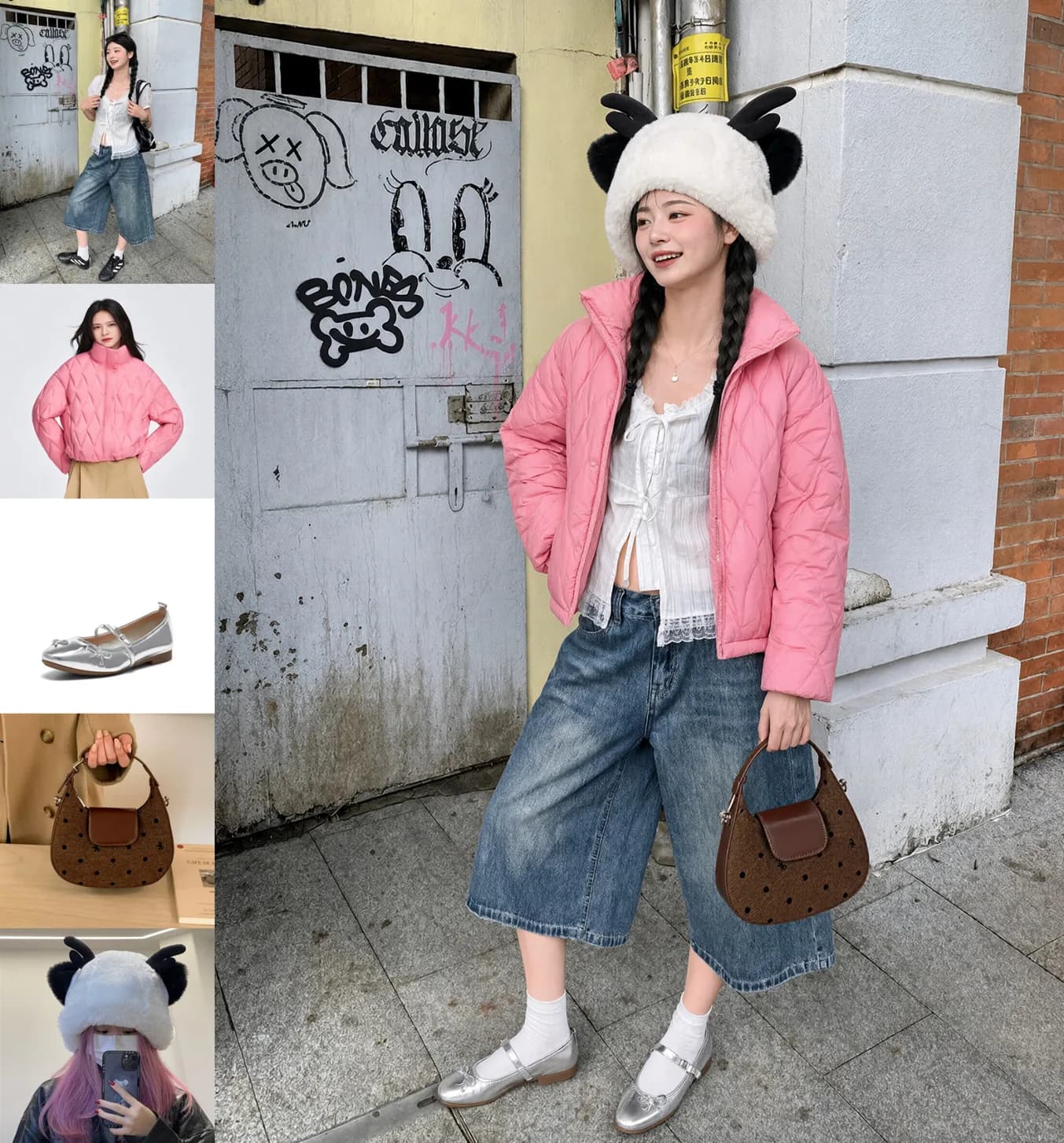
Every frame below is an official sample published by the model teams — no mockups, no renders. Z-Image handles generation; Qwen Image Edit handles the refinement.

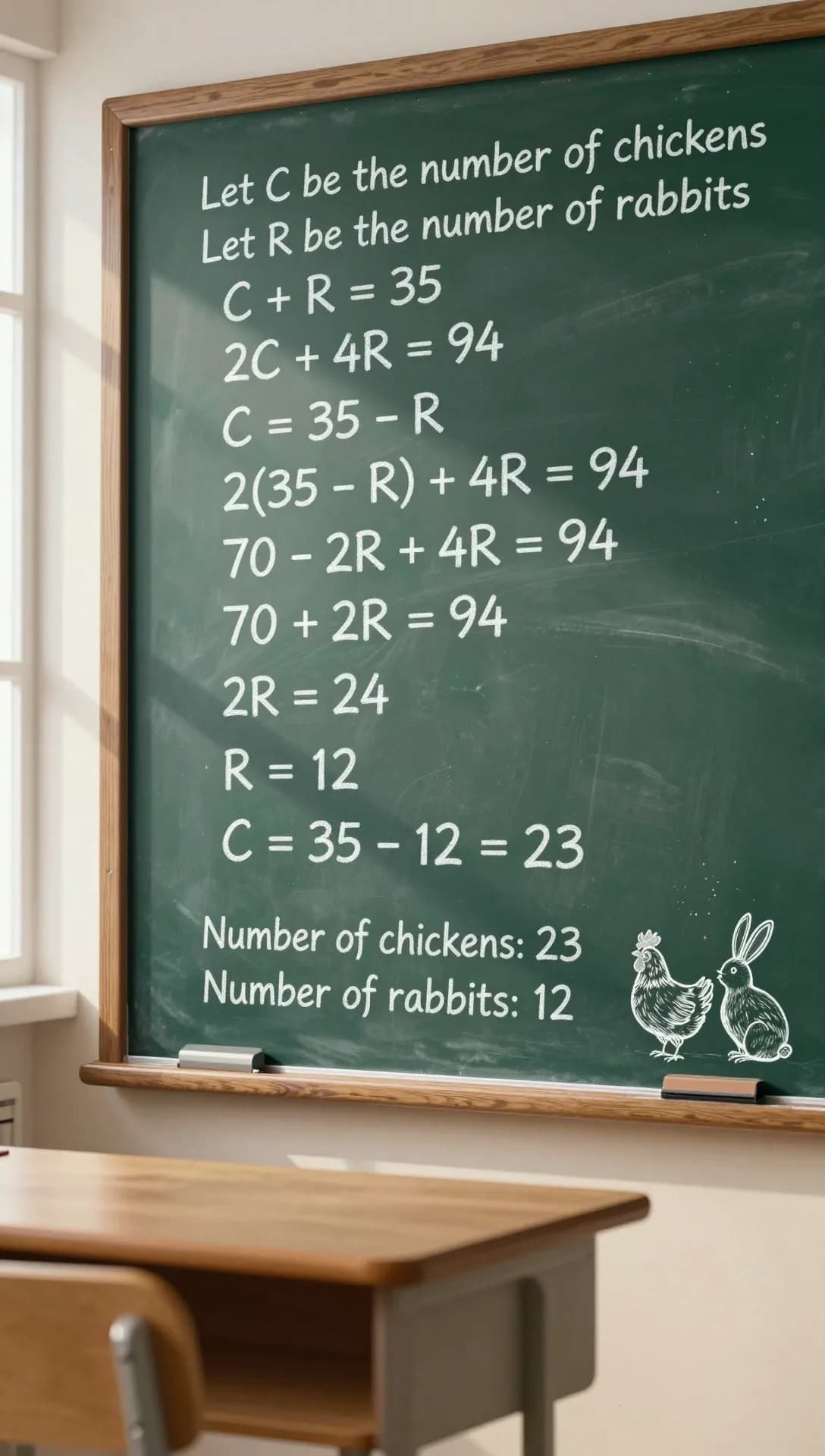



Images are the official samples from the Z-Image blog (Tongyi-MAI) and the Qwen-Image blog, both Apache 2.0. Serve them through APIPod to reproduce similar results with your own prompts.
From idea to finished frame, each step has a model tuned for it.
Change the seed and the whole face changes: bone structure, lighting, framing, mood. Diversity comes from the sampling strategy, aesthetic quality from DPO LoRA tuning — not from re-rolling until something lands.
Type 'neon alley in the rain' and still get a finished frame: built-in expansion fills in lighting, lens, materials and atmosphere, turning a short idea into something you can ship.
Frames keep clean backgrounds, reserve room for motion and lock an action-ready starting pose — so the still can go straight into text-to-video or image-to-video as its first frame.
Remove or change clothing, adjust pose and expression, relight, or swap the background on any image — while explicitly preserving everything else. (keyword:weight) syntax gives fine control, and it is the finishing step of every Spicy pipeline.
Subject range
Photoreal portraiture, micro detail, English and Chinese typography, editorial collage — the same family, without switching models or stacking LoRA weights.
Example prompt (from the Z-Image release)
Photorealistic close-up of a young woman riding a bus in summer daylight, natural skin texture, window light.
Seeds stay reproducible: fix one to reproduce a frame exactly, change it to explore a different face, composition and lighting.
Six official samples · different subjects
one family, any subject
One API key, one OpenAI-compatible endpoint: two generation tiers plus a refinement model, called as needed.
z-image-spicy
Uncensored generation + free prompt expansion
z-image-spicy-pro
Stronger generation, up to 2560 px
qwen-image-edit-spicy
Instruction-based refinement, output follows the primary image
Same open foundation, two tunings: Standard maximises creative breadth and free expansion, while Pro adds prompt rewriting plus stronger image generation and a higher resolution ceiling.
| Spec | z-image-spicy | z-image-spicy-pro |
|---|---|---|
| Base model | Tongyi-MAI Z-Image · 6B · S3-DiT | Tongyi-MAI Z-Image · 6B · S3-DiT |
| Max resolution | 1536 px per side | 2560 px per side |
| Default size | 1024 × 1536 (2:3 portrait) | 1024 × 1024 (1:1) |
| Aspect ratios | 1:1 · 2:3 · 3:2 · 3:4 · 4:3 · 16:9 · 9:16 | 1:1 · 2:3 · 3:2 · 3:4 · 4:3 · 16:9 · 9:16 |
| Generation | Multi-stage sampling + DPO LoRA | Same foundation, stronger image generation |
| prompt_extend | On by default (free expansion) | Off by default (prompt as written) |
| Seed control | Supported — fix or vary | Supported — fix or vary |
Both generation tiers are text-to-image. Input moderation and regional access rules apply across the whole series.
Spicy pipeline
Both steps live in one series — same API key, no files to shuttle between tools.
Step 01 · Generate
Turn text into uncensored photoreal or stylized images. Frames already reserve motion space and an action-ready starting pose, so a still can serve as the first frame of a video.
Step 02 · Refine
Apply precise, instruction-based edits to any image: remove or change clothing, adjust pose and expression, relight, swap the background — while explicitly preserving everything else. Supports (keyword:weight) emphasis syntax for fine control.
Explore qwen-image-edit-spicyAll three models share one API key and one OpenAI-compatible endpoint, so you can chain them image by image.
Prompt starters
Four starting points, in English and Chinese — copy them into the API example below. With the standard tier you can write half a sentence and let expansion finish it.
Prompt (EN)
Cinematic close-up of an elderly fisherman mending nets at dawn, salt spray in the air, warm rim light, shallow depth of field, Kodak Portra 400
Prompt (ZH)
电影感特写:黎明时分修补渔网的老渔夫,空气里悬浮着盐雾,暖色轮廓光,浅景深,柯达 Portra 400 胶片质感
Prompt (EN)
Rain-slicked neon alley in a cyberpunk megacity at 2 a.m., holographic koi swimming between the signs, puddle reflections, anamorphic flare, 2.39:1 cinema frame
Prompt (ZH)
赛博朋克巨型都市凌晨两点的霓虹小巷,全息锦鲤在招牌之间游动,水洼里的倒影,变形镜头光晕,2.39:1 电影画幅
Prompt (EN)
Loose watercolor of a misty karst mountain valley at first light, wet-on-wet washes bleeding across rice paper, one crimson bird crossing the fog, generous white space
Prompt (ZH)
写意水彩:晨雾中的喀斯特山谷,湿画法颜色如宣纸洇开,一只朱红小鸟掠过雾气,大量留白
Prompt (EN)
Wide shot of a woman standing at the edge of a rooftop at dusk, clean empty sky behind her, arms at rest before she turns, no motion blur, space to move on both sides
Prompt (ZH)
黄昏天台边缘的女子,广角,身后是干净空旷的天空,双臂自然垂放即将转身,无运动模糊,两侧留出运动空间
Quickstart
POST to /v1/images/generations, get a task_id, poll the status endpoint — the standard APIPod async image flow you already know.
Generation tiers use aspect_ratio (1:1 / 2:3 / 3:2 / 3:4 / 4:3 / 16:9 / 9:16) with the long side at each tier's ceiling — 1536px standard, 2560px Pro — and prompt_extend to control built-in expansion (on for standard, off for Pro). The editing model instead takes image_urls: the first image is the primary, the rest are references, and output follows the primary. Full parameter reference is in the docs.
import os, time, requests

headers = {"Authorization": f"Bearer {os.environ['APIPOD_API_KEY']}"}
payload = {
  "model": "z-image-spicy",              # or z-image-spicy-pro
  "prompt": "Cinematic close-up of an elderly fisherman mending nets at dawn",
  "aspect_ratio": "2:3",                 # 1:1 2:3 3:2 3:4 4:3 16:9 9:16
  "seed": 42,                            # fix to reproduce, change to explore
  "prompt_extend": true,                 # built-in prompt expansion (default on)
}

resp = requests.post("https://api.apipod.ai/v1/images/generations", json=payload, headers=headers)
task_id = resp.json()["data"]["task_id"]

while True:
  data = requests.get(f"https://api.apipod.ai/v1/images/status/{task_id}", headers=headers).json()["data"]
  if data["status"] in ("completed", "failed"):
    print(data.get("result"))
    break
time.sleep(2)Spicy models are for users 18 and over, or the age of majority where you live.
Uncensored means adult-oriented and stylized subject matter is not pre-filtered — not that anything goes. Minors, non-consensual imagery of real people and illegal content are always refused.
Sexualised depictions of minors, non-consensual imagery of real people and illegal content are always refused.
Not available in mainland China, Hong Kong or Macau; API requests from those regions are rejected.
The series holds three models: z-image-spicy and z-image-spicy-pro generate uncensored photoreal or stylized images from text (built on Alibaba Tongyi-MAI's open-source Z-Image, 6B parameters, S3-DiT), and qwen-image-edit-spicy applies instruction-based refinement to any image. All three share one API key and one OpenAI-compatible endpoint.
The two z-image models generate. z-image-spicy outputs up to 1536px per side (default 1024×1536 portrait) with free built-in expansion on by default — ideal for exploring many ideas quickly. z-image-spicy-pro adds prompt rewriting, reaches 2560px per side (default 1024×1024) and delivers stronger image generation — ideal for print-grade key art. qwen-image-edit-spicy refines: it edits any image by instruction and returns output that follows the primary image's composition and size.
Generation tiers share the aspect_ratio parameter (1:1, 2:3, 3:2, 3:4, 4:3, 16:9, 9:16): APIPod maps it to pixels with the long side at each tier's ceiling — 1536px for z-image-spicy and 2560px for z-image-spicy-pro; omit it for the upstream defaults (1024×1536 and 1024×1024). The editing model takes no size parameter — output follows the primary image.
When enabled, built-in expansion rewrites your short idea into a complete scene before generating — adding lighting, lens, material and atmosphere detail, at no extra charge. It is on by default for z-image-spicy and off by default for z-image-spicy-pro, where prompts run exactly as written. You can set it explicitly on either generation model.
Fix a seed to reproduce a frame exactly — same prompt, same seed, same image. Change the seed to explore: instead of converging on one average result, z-image-spicy produces visibly different faces and compositions across seeds.
qwen-image-edit-spicy can remove or change clothing, adjust pose and expression, relight a scene, or swap the background — while explicitly preserving everything else. Pass images through image_urls: the first is the primary image, and up to two references follow (for example, 'dress the person in the outfit from the second image'). Prompts support (keyword:weight) emphasis syntax to control exactly what changes.
All three models use /v1/images/generations. Generation models take model plus prompt (optionally aspect_ratio, seed and prompt_extend); the editing model takes model, prompt and image_urls. The call returns a task_id; poll /v1/images/status/{task_id} until the status is completed to get the image URL. Any OpenAI-compatible client works with an APIPod API key.
Everywhere APIPod operates except mainland China, Hong Kong and Macau, where Spicy pages are unavailable and API requests are rejected. Hard platform limits stay in force regardless of the uncensored positioning.
One API key for z-image-spicy, z-image-spicy-pro, qwen-image-edit-spicy and hundreds of other image, video and language models — with failed generations refunded automatically.