
How to Use GPT Image 2.6 on APIPod
GPT Image 2.6 is OpenAI's next-generation image model, released on November 4, 2026. On top of the bitmap capabilities in 2.5, it can deliver looping GIFs and editable SVGs directly. On APIPod, the same generation endpoint offers three editions — Official, Lite, and HD — and each edition has a Flare (speed) tier and a Sunburst (precision) tier.
- Author
- AAPIPod Team
- Published
- Reading time
- 28 min
- Views
- 19
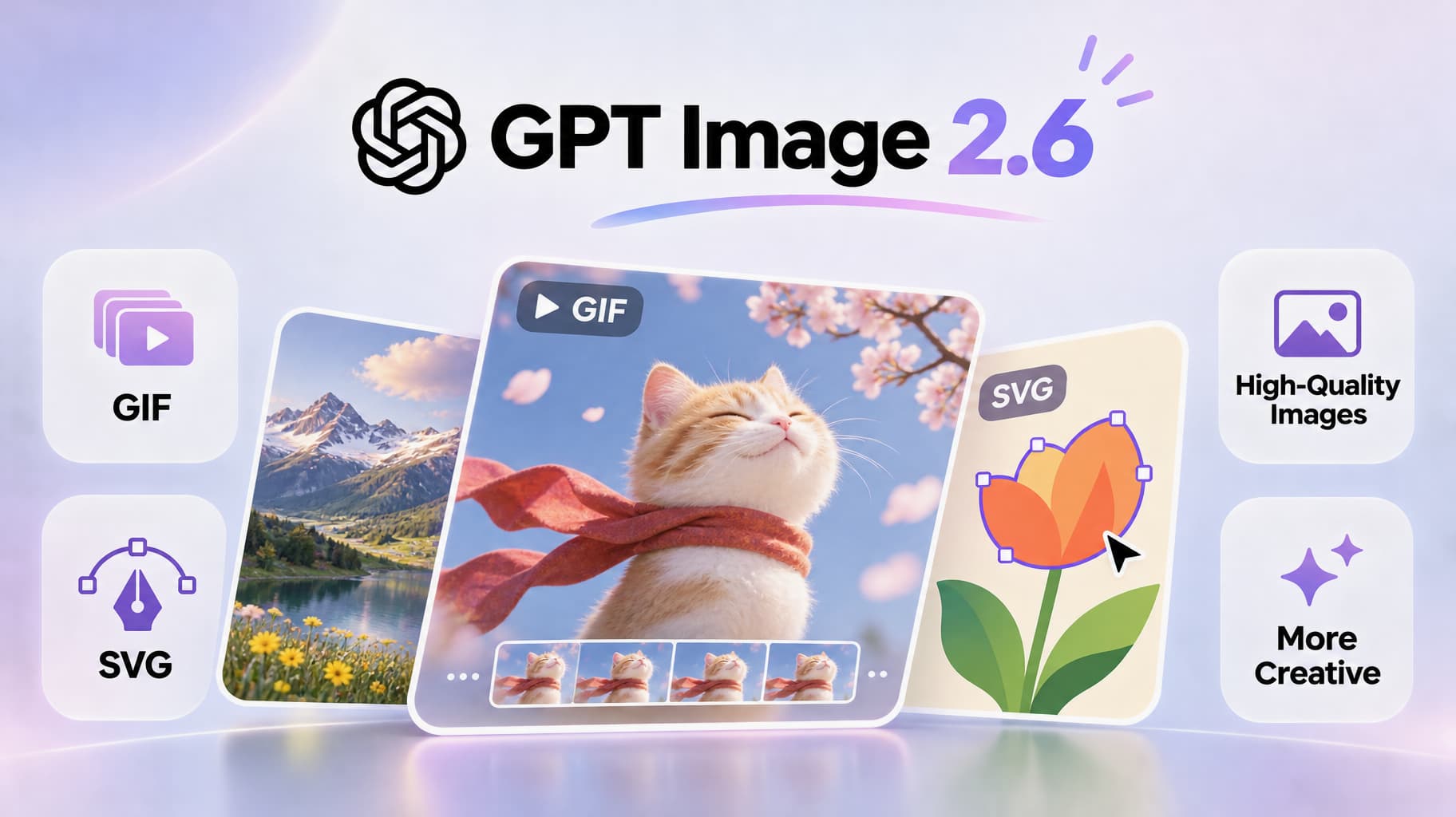
GPT Image 2.6 is OpenAI's next-generation image model, released on November 4, 2026. On top of the bitmap capabilities in 2.5, it can deliver looping GIFs and editable SVGs directly. On APIPod, the same generation endpoint offers three editions — Official, Lite, and HD — and each edition has a Flare (speed) tier and a Sunburst (precision) tier. Switching is a single model field change.
Full parameters and a live playground are on the GPT Image 2.6 model page. Endpoint details are in the Flare docs. Live list prices follow the pricing page (figures in this article were checked on November 10, 2026, Asia/Shanghai).
What can GPT Image 2.6 do?
It supports text-to-image and edits with up to 16 reference images. A single output_format field switches the output among PNG, JPEG, WebP, and the two formats new in 2.6: GIF and SVG. It also adds complexity (how much the model plans before rendering) and markup-guided editing.
Flare is a better fit for fast iteration, batch variants, and in-product generation. Sunburst is a better fit for dense compositions, text-heavy layouts, and finished work that still has to stay consistent across multiple edits. Official model cards say generation is about 50% faster than GPT Image 2.5. Choose Flare when latency matters more; choose Sunburst when detail and edit-to-edit consistency matter more.
How to choose Official, Lite, or HD
These are not three different OpenAI models. They are three APIPod access paths. Official uses OpenAI's official capabilities. Lite and HD are routed editions that keep the same generation and editing parameter contract, but they differ in output formats and billing.
| Edition | Model IDs | Output formats | Billing | Best for |
|---|---|---|---|---|
| Official | gpt-image-2.6-flare / gpt-image-2.6-sunburst | PNG, JPEG, WebP, GIF, SVG | $4 / 1M input tokens, $24 / 1M output tokens | GIF or SVG, or any job that needs the full official path |
| Lite | gpt-image-2.6-flare-lite / gpt-image-2.6-sunburst-lite | PNG, JPEG, WebP, GIF (no SVG) | 1K $0.02 / image, 2K $0.03 / image, 4K $0.04 / image | Cost-sensitive batch work and iterative refinement |
| HD | gpt-image-2.6-flare-hd / gpt-image-2.6-sunburst-hd | PNG, JPEG, WebP only (no GIF or SVG) | $0.007 / image | Print-ready campaign visuals and polished product shots |
Work backwards from the deliverable:
- For a looping animation or a vector logo, use Official (SVG is Official-only). Lite can produce GIFs, but not SVGs.
- For high-volume bitmaps or GIF drafts where unit cost matters, use Lite. It is routed through channels such as Azure and Adobe, and is not a standalone OpenAI model.
- For sharper bitmaps you can send to print or paid media, use HD. It routes through a super-resolution channel at a flat per-image price, but it does not produce GIF or SVG.
Flare vs. Sunburst is independent of the edition: pick the edition first, then pick speed or precision. Start drafts and batches on Flare; if faces, product detail, or text start to drift, move the same prompt and references to Sunburst.
What changed from GPT Image 2.5?
Migration is usually just a model ID change: gpt-image-2.5-flare becomes gpt-image-2.6-flare, and the same for Sunburst. Existing parameters, endpoints, and response fields stay compatible. Add output_format=gif or svg, complexity, and the GIF fields frame_count / frame_duration_ms when you want the new capabilities.
| Capability | GPT Image 2.5 | GPT Image 2.6 |
|---|---|---|
| Output formats | Bitmaps | Adds looping GIF and editable SVG (all five formats on Official) |
| Planning control | None | complexity: low / medium / high, at no extra charge |
| Quality tiers | Low through max | auto / low / medium / high / xhigh / max (omitted or auto is sent as high) |
| Resolution | 1K / 2K / 4K | Still 1K / 2K / 4K; GIF frame size is auto-scaled with frame count |
Common parameters
The endpoint is https://api.apipod.ai/v1/images/generations. All three editions accept the fields below; Lite and HD reject an output_format they do not support.
| Parameter | Values | Notes |
|---|---|---|
model | One of the six IDs above | Picks the edition and Flare or Sunburst |
prompt | Text | Scene description; for GIF, also name the subject, motion, and how it loops |
output_format | png / jpeg / webp / gif / svg | Defaults to png; gif and svg are generation-only |
quality | auto / low / medium / high / xhigh / max | Rendering fidelity; transparent backgrounds need ≥ medium |
complexity | low / medium / high | Planning depth before render; defaults to high, no extra fee |
resolution + aspect_ratio | 1K / 2K / 4K, common ratios | Mapped to upstream pixels; you can also pass a size in multiples of 16 |
background | auto / opaque / transparent | Transparency needs PNG or WebP and quality ≥ medium; the model page specifies transparent backgrounds via reference-image edits |
frame_count / frame_duration_ms | 2–64 / 20–2000ms | Only apply when output_format=gif; defaults are 9 frames × 200ms |
moderation | low / auto | APIPod defaults to low to reduce false blocks; pass auto for official default filtering |
quality controls how finely the image is rendered; complexity controls composition completeness and latency. The same prompt can compose differently at different complexity values, and higher is not automatically better: use low for a single, focused change such as swapping a background or repainting a sign; reserve high for dense text and complex layouts.
How to generate your first GIF
GIF is generation-only — no reference images or masks. Set output_format to gif. In the prompt, pin one subject, list two to four key poses in time order, and explicitly ask for the start and end poses to match so the clip loops cleanly. Keep the motion simple and the camera still. Light blurs more easily in motion than in a still, so name the light direction and color temperature.
Three controls:
frame_count: total frames, 2–64, default 9. More frames look smoother, but every frame shares one pixel budget. As the count rises, APIPod scales each frame down proportionally, keeping the aspect ratio and 16-pixel alignment.frame_duration_ms: how long each frame holds, 20–2000ms (rounded to 10ms), default 200. Nine frames at 200ms is about a 1.8-second loop.size: optional. If omitted, it is derived fromresolution+aspect_ratio.
Start with 9 frames, 200ms, and one simple motion. If the loop jumps, simplify the action before you add frames.
1import os, base64, requests
2
3resp = requests.post(
4    "https://api.apipod.ai/v1/images/generations",
5    headers={"Authorization": f"Bearer {os.environ['APIPOD_API_KEY']}"},
6    json={
7        "model": "gpt-image-2.6-sunburst",
8        "prompt": "A monkey in a green coat lifts a glowing lantern in front of a snowy cabin, blinks, then lowers it again. The motion returns to the starting pose so the clip loops seamlessly; the warm lantern light spills softly across the snow, and the background stays quiet.",
9        "output_format": "gif",
10        "frame_count": 9,
11        "frame_duration_ms": 200,
12        "quality": "high",
13    },
14    timeout=120,
15)
16payload = resp.json()
17# The model-page example writes data[0].b64_json to disk; if you get a task ID instead, poll for the result as the docs describe.
18data = payload.get("data")
19print(payload)
GIF has no alpha channel, and it does not support streaming, custom output_compression, or prompt_rewriter. Lite can produce GIFs as well; HD cannot, so switch to Official or Lite when you need motion.
SVG and transparent backgrounds
SVG is a good fit for logos, icons, mascots, and any mark you want to inline in a front-end or keep sharp at any size. The artifact is static vector XML: paths, shapes, and colors you can edit later, with no scripts, external links, or embedded bitmaps. It is currently available on Official only.
When you call it:
nmust be 1 — one SVG per request.output_compressionis not supported, the edit endpoint cannot return SVG, and an SVG is not a valid raster input for edits.- The model renders a reference bitmap first and then converts it to vectors, so
qualitydirectly affects how much detail survives. - If you omit the
svgconfig, the platform defaults togpt-5.4-minias the authoring model. You can setsvg.modelto another model with text-token pricing;svg.reasoning.effortis optional.
For product cutouts, stickers, or bitmaps you will composite into a layout, set output_format to png or webp, background to transparent, and quality to at least medium. JPEG and GIF do not support transparency.
Markup-guided editing
For a local change, start with a clean reference image and a same-size transparent PNG overlay (circles, boxes, or arrows marking the target). Put the reference in image_urls, send the overlay on its own markup_url, and in the prompt say both what to change and what must stay put, plus a request to remove the annotation marks. markup_url cannot be used together with mask_url.
GIF and SVG do not support this edit path.
How is it billed?
Prices come from the live model page and the pricing page, checked on November 10, 2026 (Asia/Shanghai). The amount that lands after a successful request is what counts.
Official bills by tokens: $4 / 1M input and $24 / 1M output. A hold is taken on submit and settled against actual usage when the job finishes; any overhold is refunded automatically. GIF frame count and size, and the SVG's reference image plus vector tokens, all show up in usage — more frames or larger sizes cost more. For example, APIPod's cost estimate for gpt-image-2.6-flare at 2K, quality=high, PNG returned a pre-hold of about $0.50, with final settlement against actual tokens.
Lite bills per image by resolution, with the same price on Flare and Sunburst: 1K $0.02, 2K $0.03, 4K $0.04.
HD is $0.007 per image at every resolution.
Five practical tips
-
Pick the edition first, then the tier. SVG is Official-only. Cheap GIFs or batch bitmaps belong on Lite. Print-ready bitmaps belong on HD. Then choose Flare or Sunburst for speed or precision.
-
Give a GIF one motion. A wave, a blink, or a lift-and-lower, with a still camera and matching start and end poses. If the loop jumps, simplify the action before you change frame count or duration.
-
Respect the pixel budget. Decide the canvas and an approximate frame count first; the default 9 × 200ms is often enough. Adding frames automatically shrinks each one.
-
Use PNG/WebP for transparency, SVG for marks. Set
background=transparenton bitmaps you will composite; use Official SVG for logos you need to recolor or scale. -
Draw the edit region. Circle what should change on a markup layer, and name what around it must not move. Recheck faces, type, and product details for unintended changes.
FAQ
What is GPT Image 2.6?
An OpenAI image generation and editing model released on November 4, 2026, in two tiers: Flare and Sunburst. On top of 2.5 it adds native GIF, native SVG, and a complexity planning control; the edit path accepts markup overlays. APIPod also offers Lite and HD as routed editions.
How do Official, Lite, and HD differ?
Official has the full feature set and is the only edition that returns SVG; it bills by tokens. Lite bills per image by resolution, can return bitmaps and GIFs, and does not return SVG. HD is $0.007 per image and returns sharper bitmaps only — no GIF or SVG. Lite and HD are not standalone OpenAI models.
How should I choose Flare vs. Sunburst?
Flare is faster and suits drafts, batches, and interactive generation. Sunburst is slower but finer, and keeps faces, product detail, and text more reliably — better for polish and finished assets. Billing follows each edition's own model; the Flare or Sunburst name does not change Lite or HD's per-image price.
How do I generate a GIF?
On /v1/images/generations, set output_format to gif, use Official or Lite, and describe the subject, motion, and loop in the prompt. Optionally set frame_count (default 9) and frame_duration_ms (default 200). In the model-page example, decoding data[0].b64_json gives you the finished GIF. GIF is generation-only: no edits, streaming, or custom compression.
Why did my GIF come back as a PNG?
Check three things: whether output_format is explicitly gif; whether the request accidentally went through the edit endpoint; and whether the response includes b64_json rather than a bitmap URL. If the parameter never reached the upstream, the result often lands as a PNG. HD itself does not support GIF.
Is SVG output reliable enough to use?
It is converted from a reference bitmap, so higher quality usually keeps more detail. It works well for logos, icons, and simple illustrations; complex scenes are less stable. Only Official can return SVG.
How is complexity different from quality?
quality controls rendering fidelity; complexity controls how much the model plans before rendering. The first affects fine detail, the second affects composition completeness and latency. Changing complexity costs nothing extra, and it defaults to high.
You can try an edition now on the GPT Image 2.6 model page, or get an API key and run the sample above to generate a GIF.
Keep reading
Related Posts
如何在 ChatGPT 里使用 Nano Banana 2
通过 APIPod 远程 MCP,在 ChatGPT 里直接调用 Nano Banana 2。OAuth 登录、点名 `nano-banana-2` 即可出图,不用粘贴 API key。支持 512px–4K,价格从 $0.04/次起。
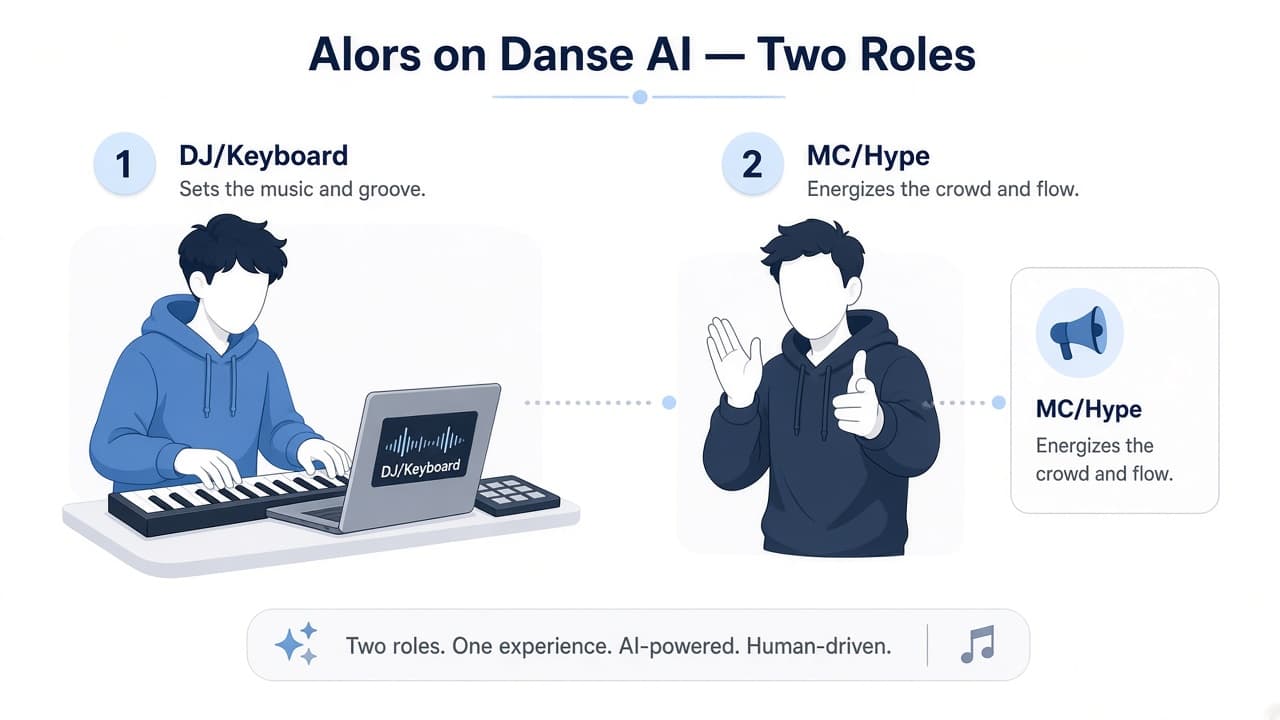
10 分钟做出属于你的 Alors on danse AI 双人白棚视频(Seedance 2.5)
刷到过那种纯白摄影棚里的双人对戏了吗?一边冷静敲小键盘,一边夸张打气,最后搭档探身凑近镜头——你也想和朋友(或两只宠物)做一条属于自己的。 这篇就写给你:第一次玩也没关系。跟着下面的步骤,在 APIPod Seedance 2.5 的网页试用页里,大约 10 分钟 就能跑出一条竖屏短片。不必写代码;后面若你想做成小工具或批量出片,再看文末可选说明即可。

Codex CLI + APIPod:用 GPT-5.3-Codex 打造超强终端编程助手
如何使用 APIPod 接入 Codex CLI,打造最佳超强终端编程助手!